


components
Breadcrumb
Provides contextual information about page hierarchy.

Purpose
When a user navigates through WISE past the application routing or the first level of an application, breadcrumbs enable them to locate their position within the site hierarchy and provide shortcuts to move back to previous levels of an application.

Usage
When to use
- Past application routing or the first level of an application
- Giving the user context as to how deep they are in the application
- Providing shortcuts to previous levels of an application
When not to use
- Displaying a top-level page that has no further destinations
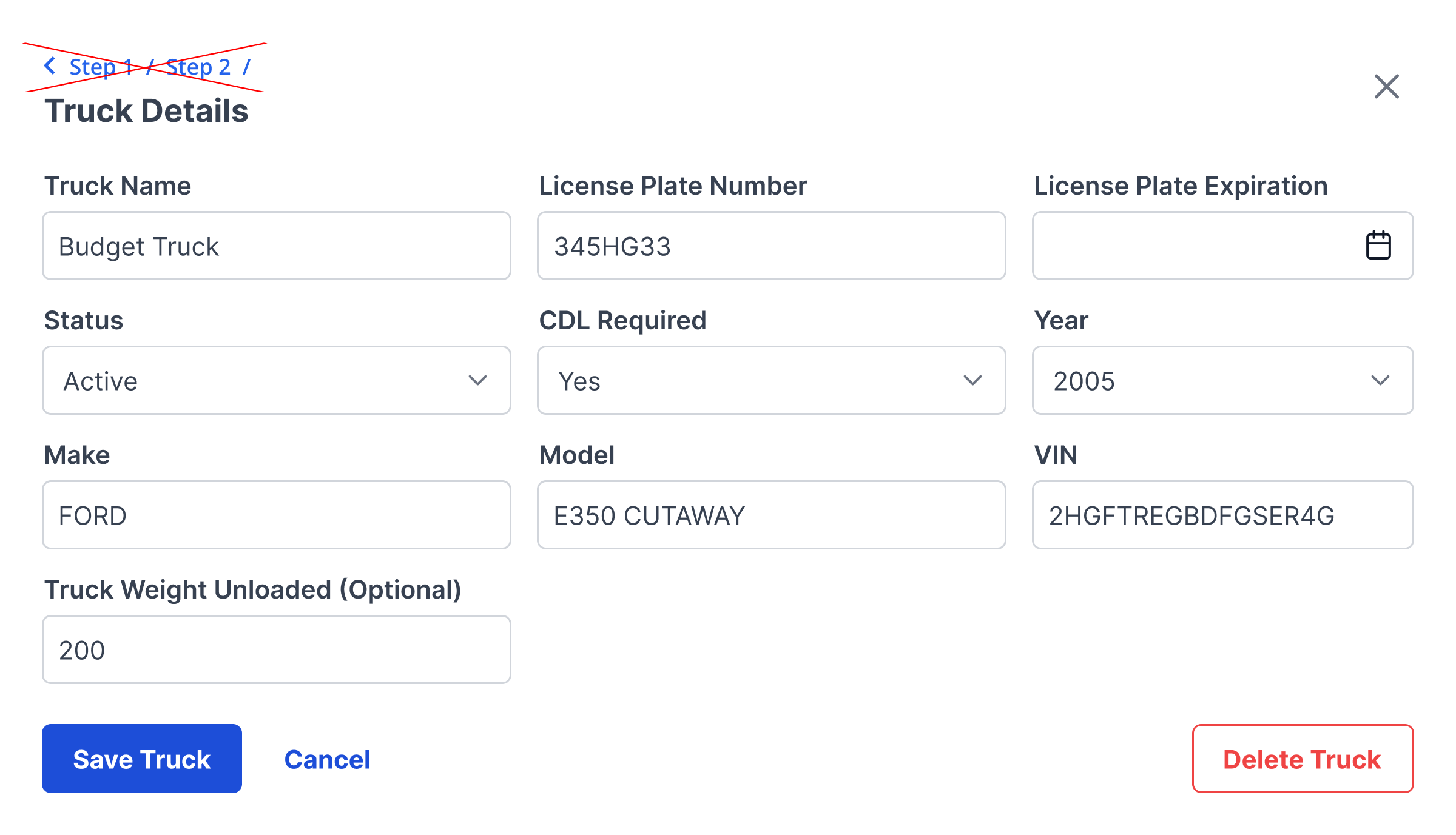
- Steps in a sequential process, such as filling out a form or wizard (instead, use Steps component)
Video Recap
Best Practice
Example One
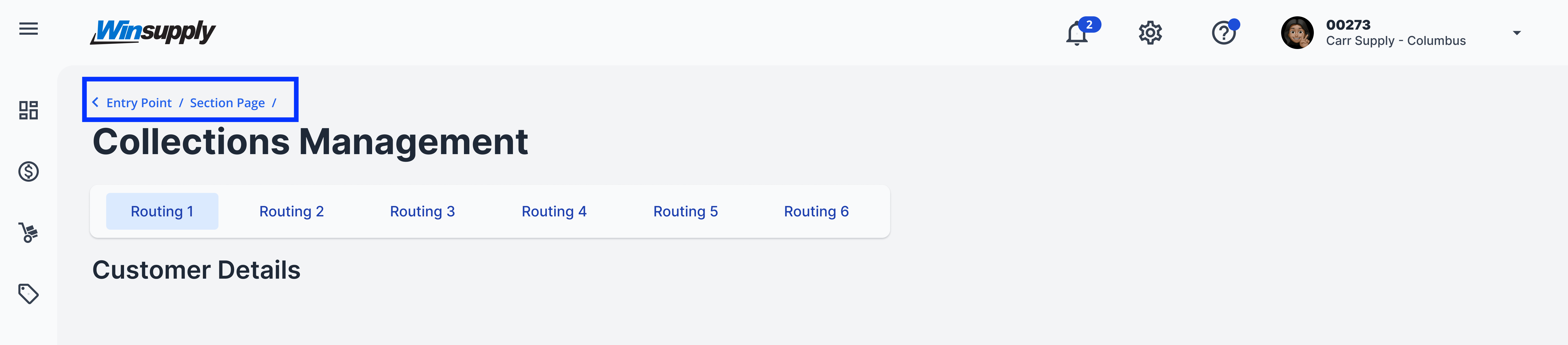
Place breadcrumbs on the top left portion of the page, above the application title and routing
Example Two
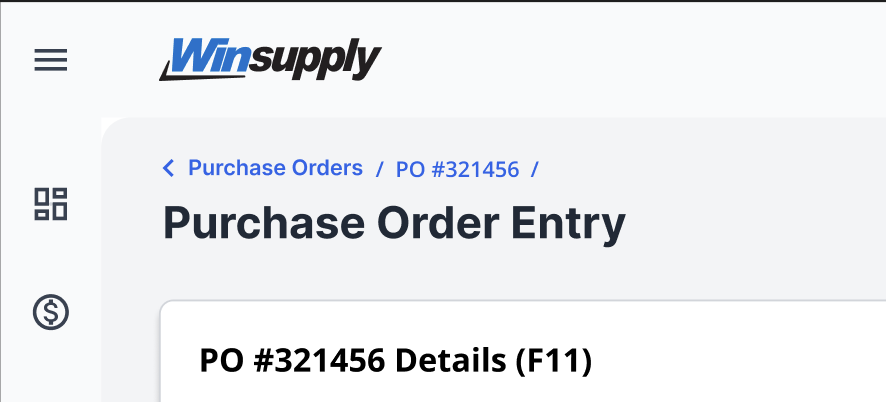
Links must be shown in the order of the highest level page to deepest level page. In the image example, the first breadcrumb takes the user to a page with all purchase orders. The second breadcrumb narrows down to a single purchase order and the current screen the user is viewing.
Example Three
Each link should clearly indicate the location it connects to.
Example Four
Winsupply Standards


Incorrect Usage
Example One
Using breadcrumbs as steps in a sequential process.
Example Two
Example Three
Example Four
Variants
Sizing
Applications In Use
No items found.