patterns
Page Error
Users can encounter multiple errors, from unauthorized access to a page not loading. Consistent design and communication are important to identify errors and guide the user toward the next steps. Page Error is a component in WinNG that accommodates multiple errors with customizable features to cater to users and the applications they are trying to access.
Anatomy
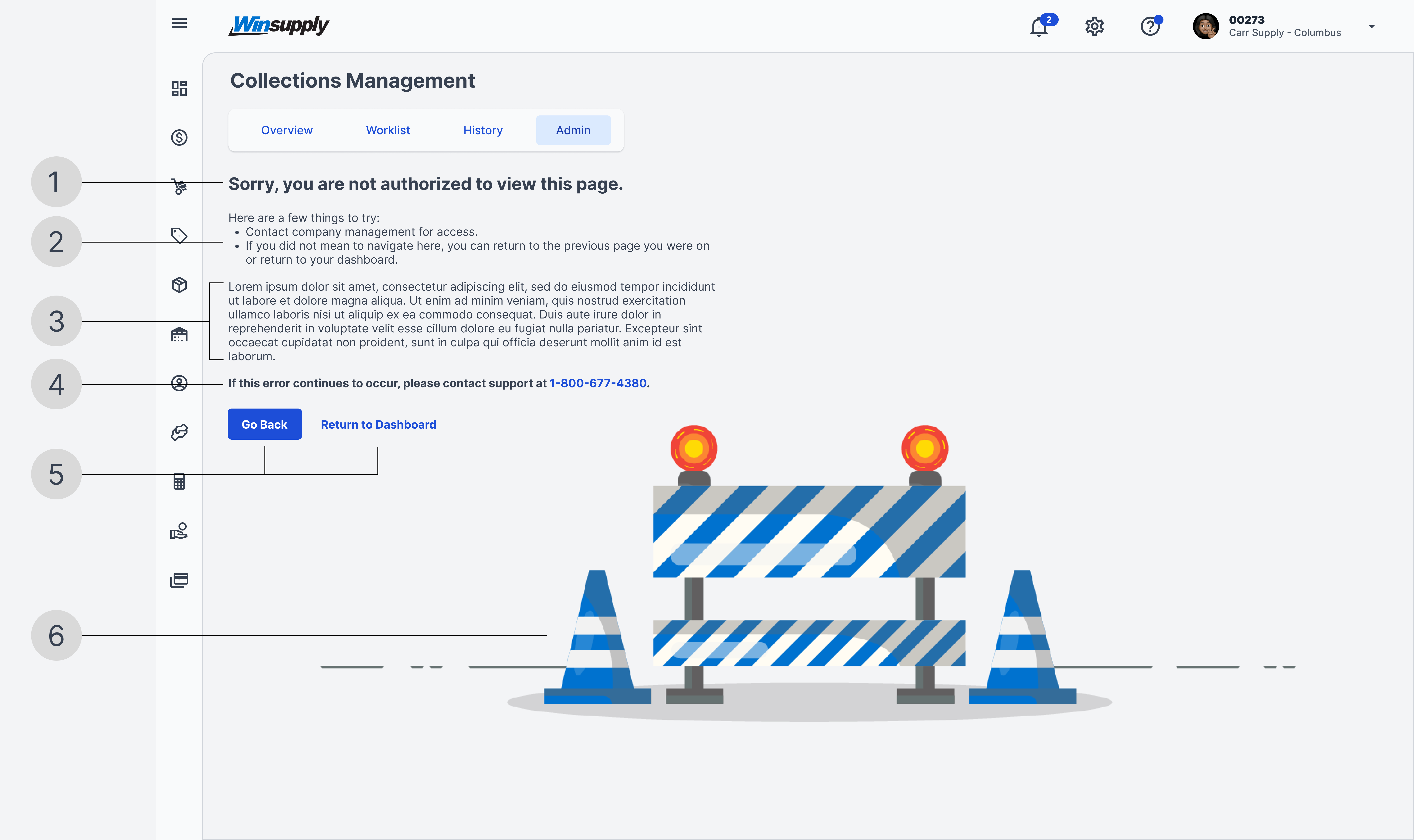
1. Error title
A short and friendly message identifying the error. HTTP status codes are technical jargon that users may not understand, so they are purposely kept out of each title. Each error title is standardized and should not be changed.
2. Options
List a few options (contextual or standard) a user can take to rectify the error and reach their desired application or route within an application.
3. Custom description
Depending on the error and the application, additional contextual information may need to be added for the user to fully understand why the error occurred and the next steps. Be mindful of writing and content to ensure conversational tones with the user. This section is not required.
4. WinSupport contact
Quickly link the user with support if needed. Assess the error and the application to decide if connecting the user win WinSupport is necessary. This section is not required.
5. Actions
Provide an action (button) for the user to take from the error screen, whether returning to the previous screen or their dashboard. This section can contain a maximum of two actions, one high-emphasis and one low-emphasis.
6. Error illustration
A construction illustration is used as a symbol to identify the Page Error component. This illustration has been standardized. Do not change the design, sizing, or position.
Types of Errors
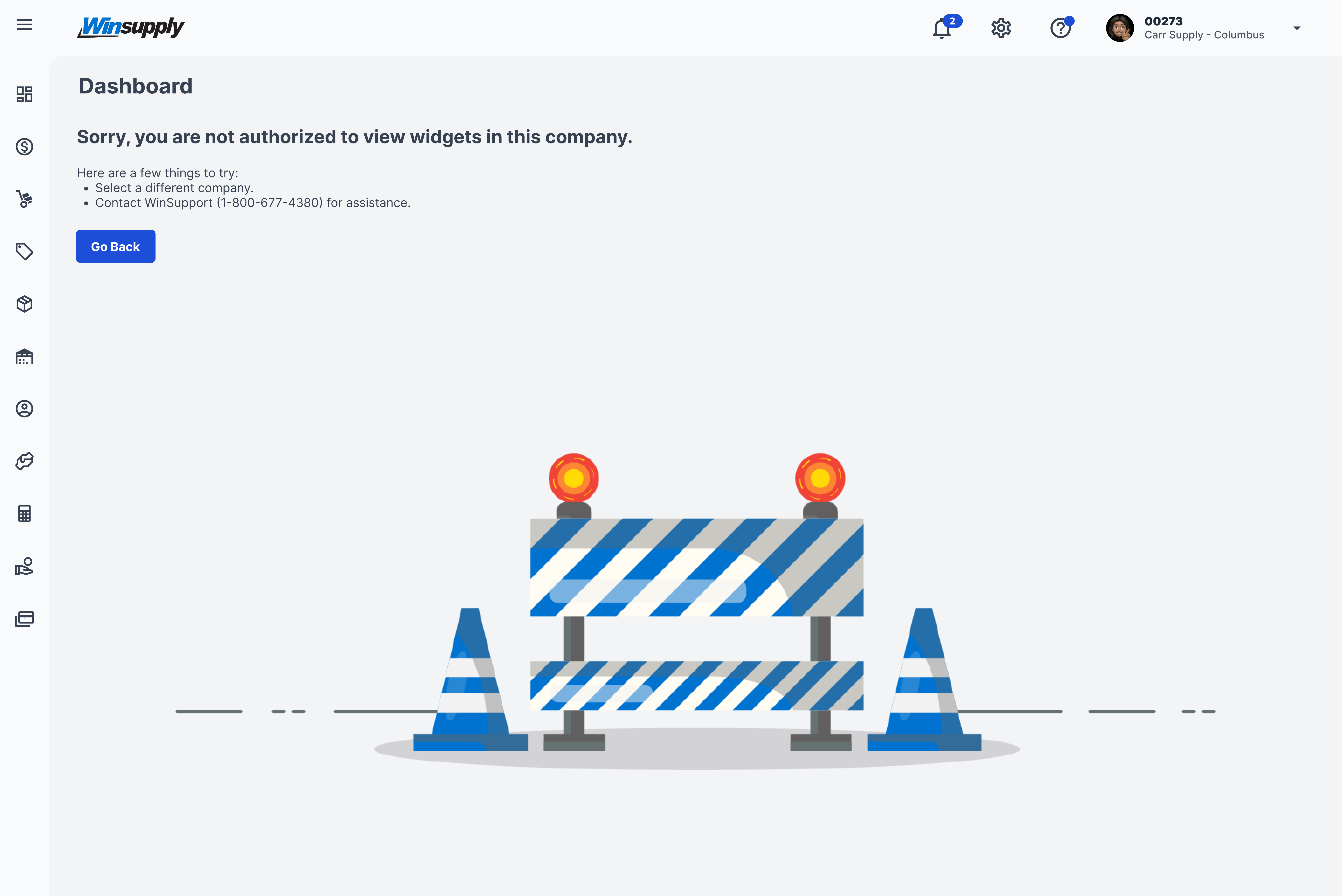
Unauthorized Access: Dashboard
The user does not have permission to view widgets on a local company dashboard.
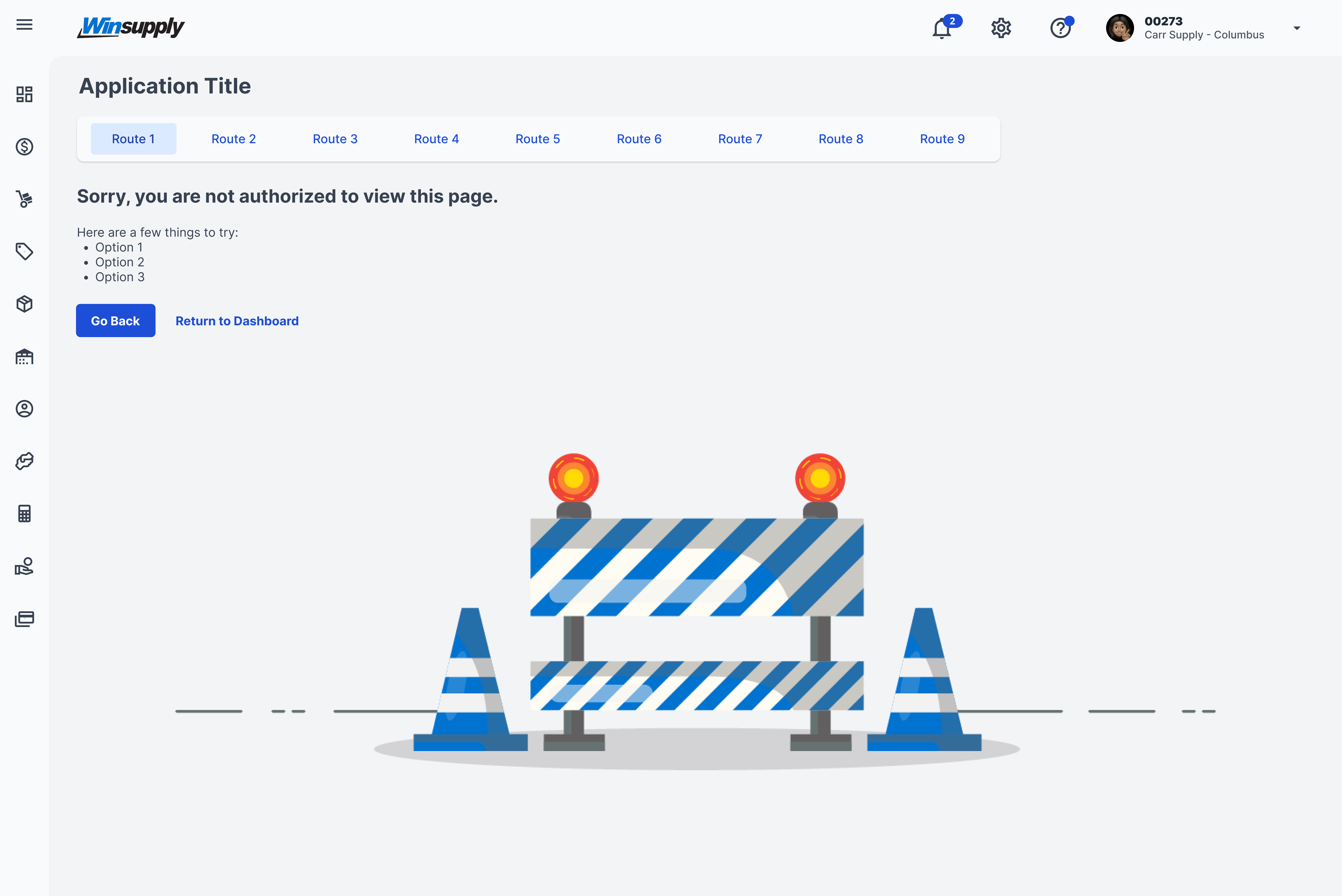
Unauthorized Access: Application
The user does not have permission to view an application or a route within an application. Options are left open for contextual guidance relating to the application.
Page Load Error
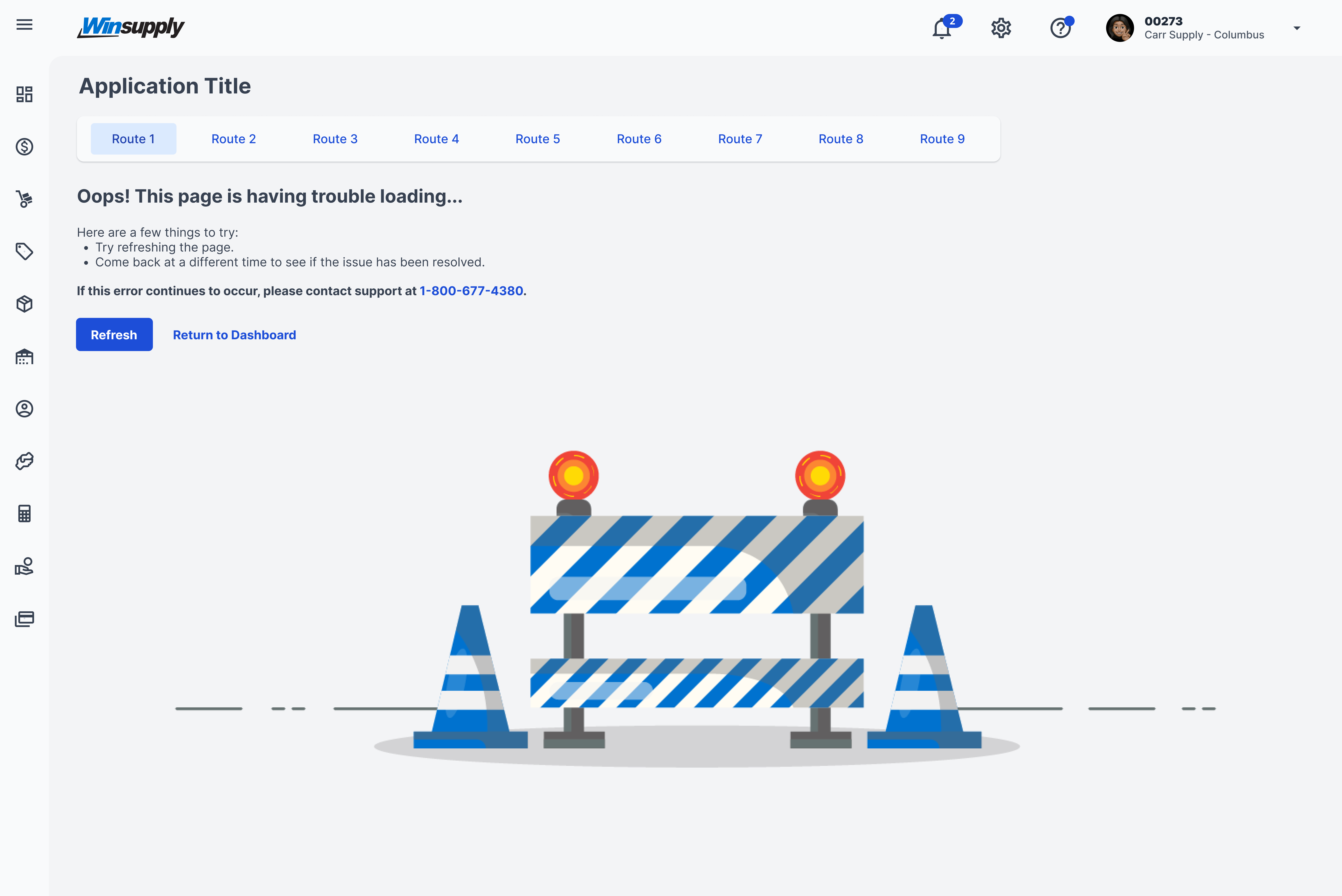
A page is not loading within an appropriate amount of time or is failing to connect with the server. This type of error is very rare.
Page Not Found: WISE
If a user attempts to access WISE but is unsuccessful due to misspelling wise.winsupply.com, this page will appear to help guide the user to WISE or to submit a Help Desk ticket. This error page technically lives outside WISE because the user did not initially gain access to the WISE environment.
.png)
Page Not Found: Application
In this use case, the user has gained access to the WISE environment but has an incorrect URL after wise.winsupply.com, where the application and/or route would be listed. Multiple options are listed, encouraging the user to check URL spelling, review navigation, or return to their dashboard.
.png)
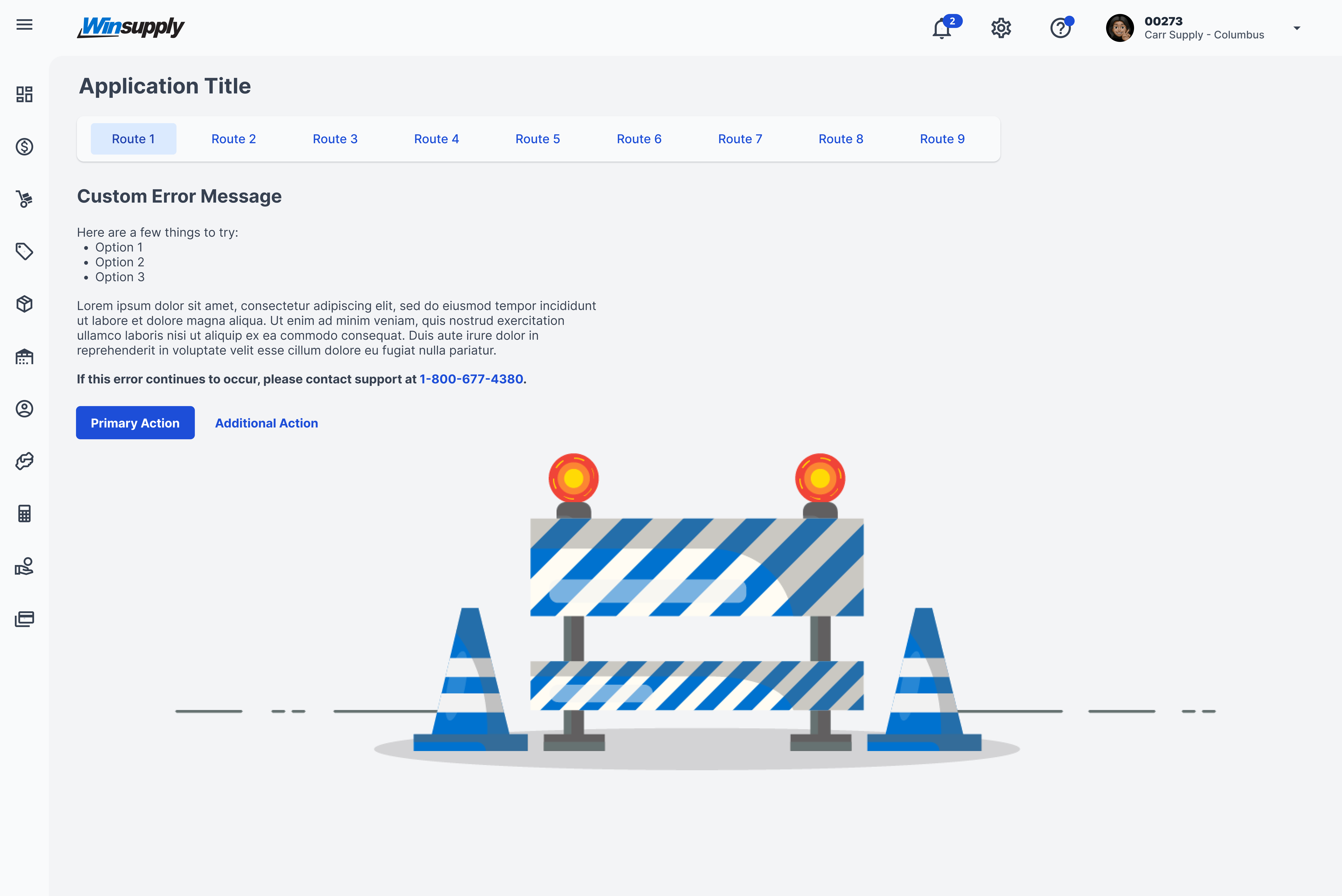
Custom Error
Use this custom error page for errors contextual to a specific application. To guide the user properly, follow the format below and be mindful of writing and content to ensure conversational tones with the user.