


components
InputNumber
InputNumber is an input component to provide numerical data.

Purpose
Built using the "input" component, InputNumber is an extension of editable information fields used to enter or compare numerical information. When used in the "buttons" state, data is editable by interacting with optional buttons to increase or decrease values.

Usage
When to use
- Use when numerical information needs to be added or edited
When not to use
- When numerical information cannot be edited
Video Recap
Best Practice
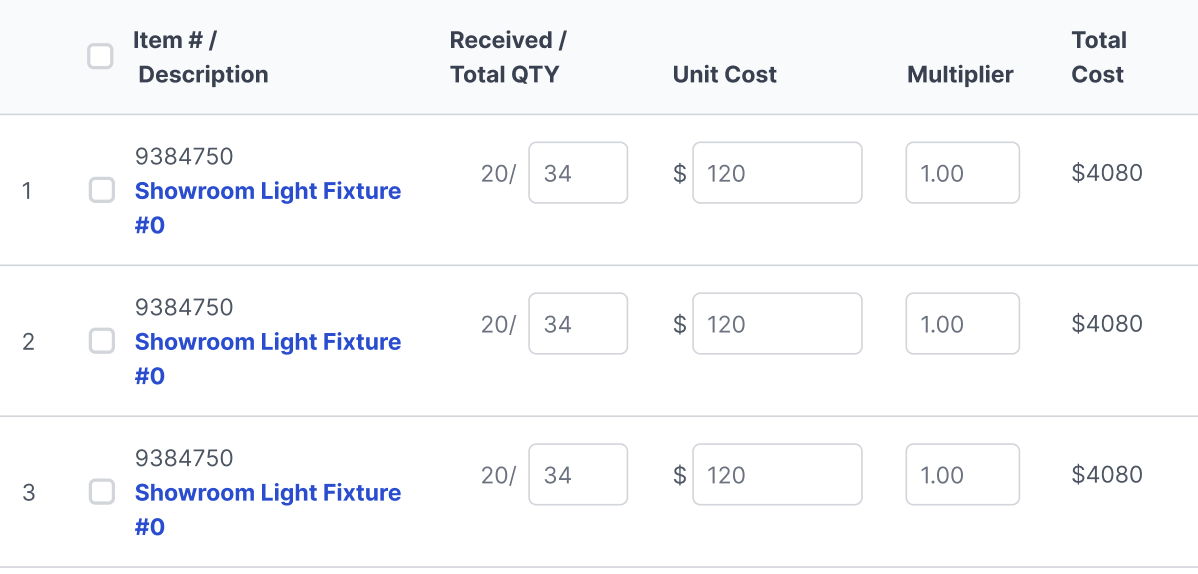
Example One
Used in a table for updating numbers.
Example Two
When using to update multiple numbers at one time or increasing by a percentage.

Example Three
Example Four
Winsupply Standards


Incorrect Usage
Example One
Numbers are information reference only.

Example Two
Example Three
Example Four
Variants
Sizing
Input Height: 36px
Mobile Height: 48px
Applications In Use
No items found.