

Filtering
This feature provides advanced and flexible options to query or reduce data instead of scrolling through a list or table, which results in easier discovery and/or scanning of information.
Types of Filtering
Within a table
Header sort
Gives users the ability to quickly change the order of information displayed on the table by ascending or descending information in alphabetical or numerical order.
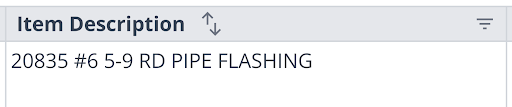
Table column filters
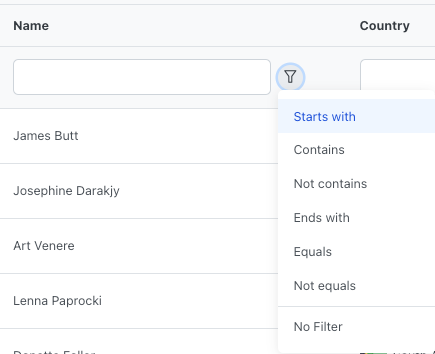
While different UI is used whether in a HandsonTable or Prime Table, column-dependent filters reduce the data displayed by only showing matching results or results containing the desired input.
Outside of a table
Position to (Typeahead)
An alternative for quickly navigating to the searched result within the table.

More menu/Settings sort
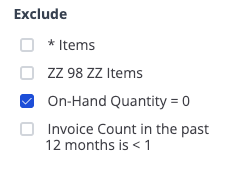
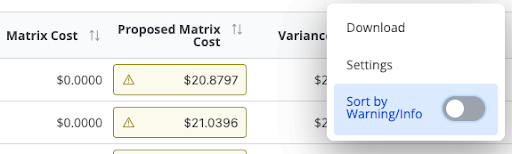
In some tables, you will find additional sorting options or filters in "more menus." This is common among ZZ98ZZ and * items to display or hide said items. It is also used for sorting by warning or for setting default sorts when settings options for the page are not available.
Toggle sorts
Use when there are only two "sort by" options available (Show/Hide or On/Off).
Sidebar
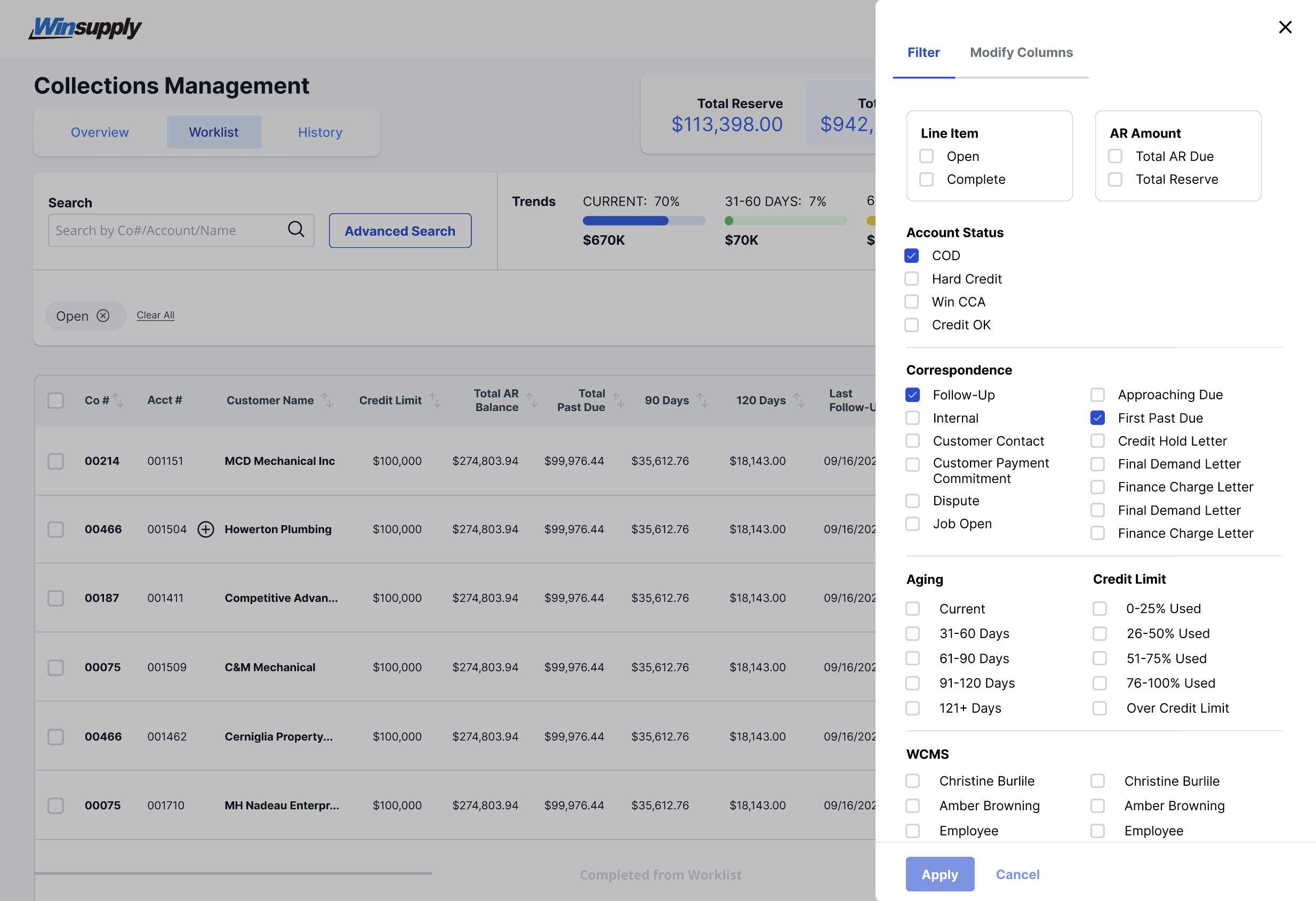
When more than ten filters can be applied, use a sidebar to save on space. The sidebar is accessed by selecting a filter button labeled "Filter" or "Filter & Modify (includes Modify Columns component)." The user can choose the pre-assigned filters to the data, and chips will display above the table to show what filters have been applied.
Filter chips
Chips are displayed to indicate a filter is being used. Each chip can be removed one by one or all together with a "Clear All" button.
