
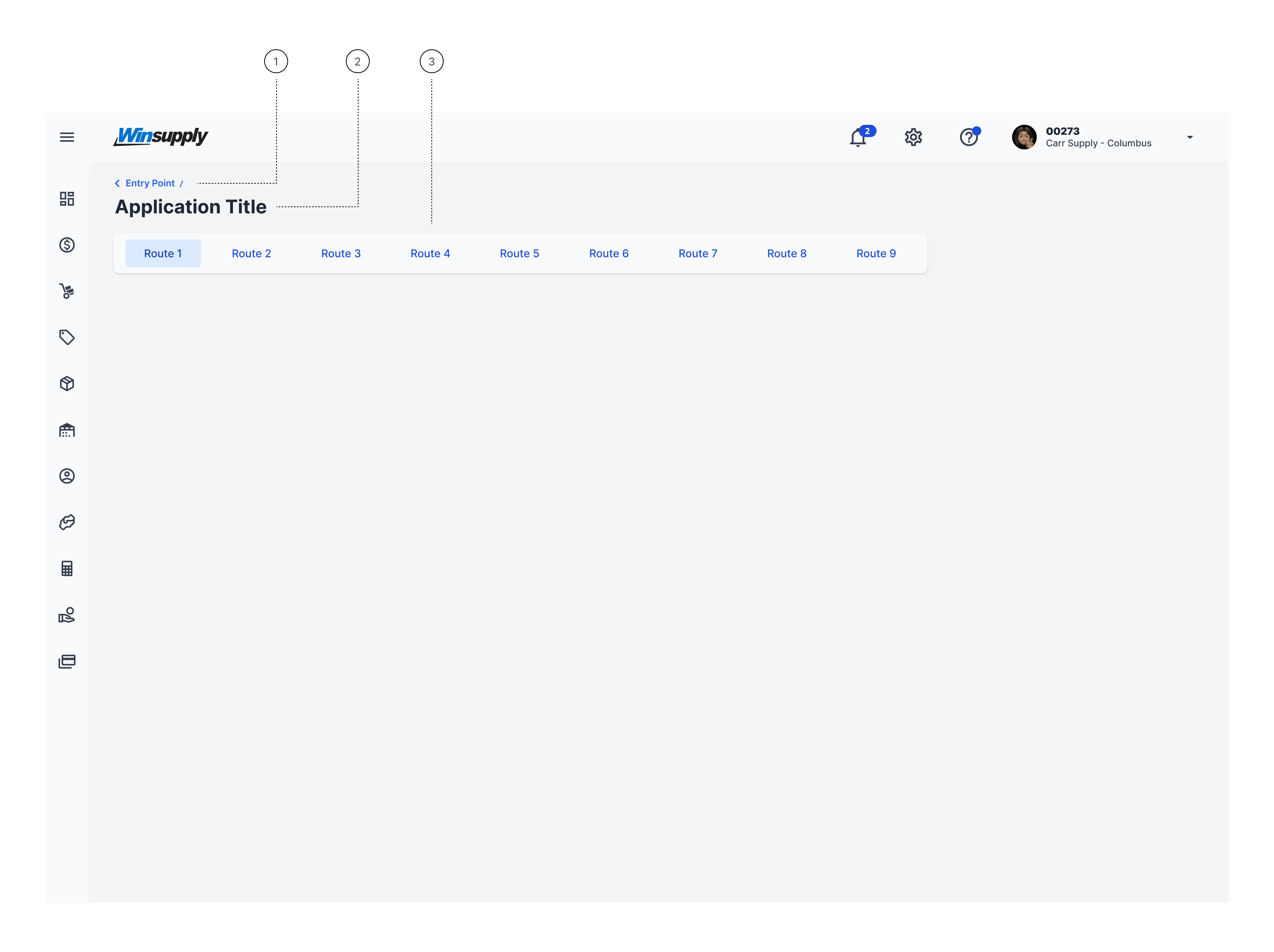
- Breadcrumb
- Application Title - Retains through entire app, even when a route is selected.
- Application Routing (third tier navigation)


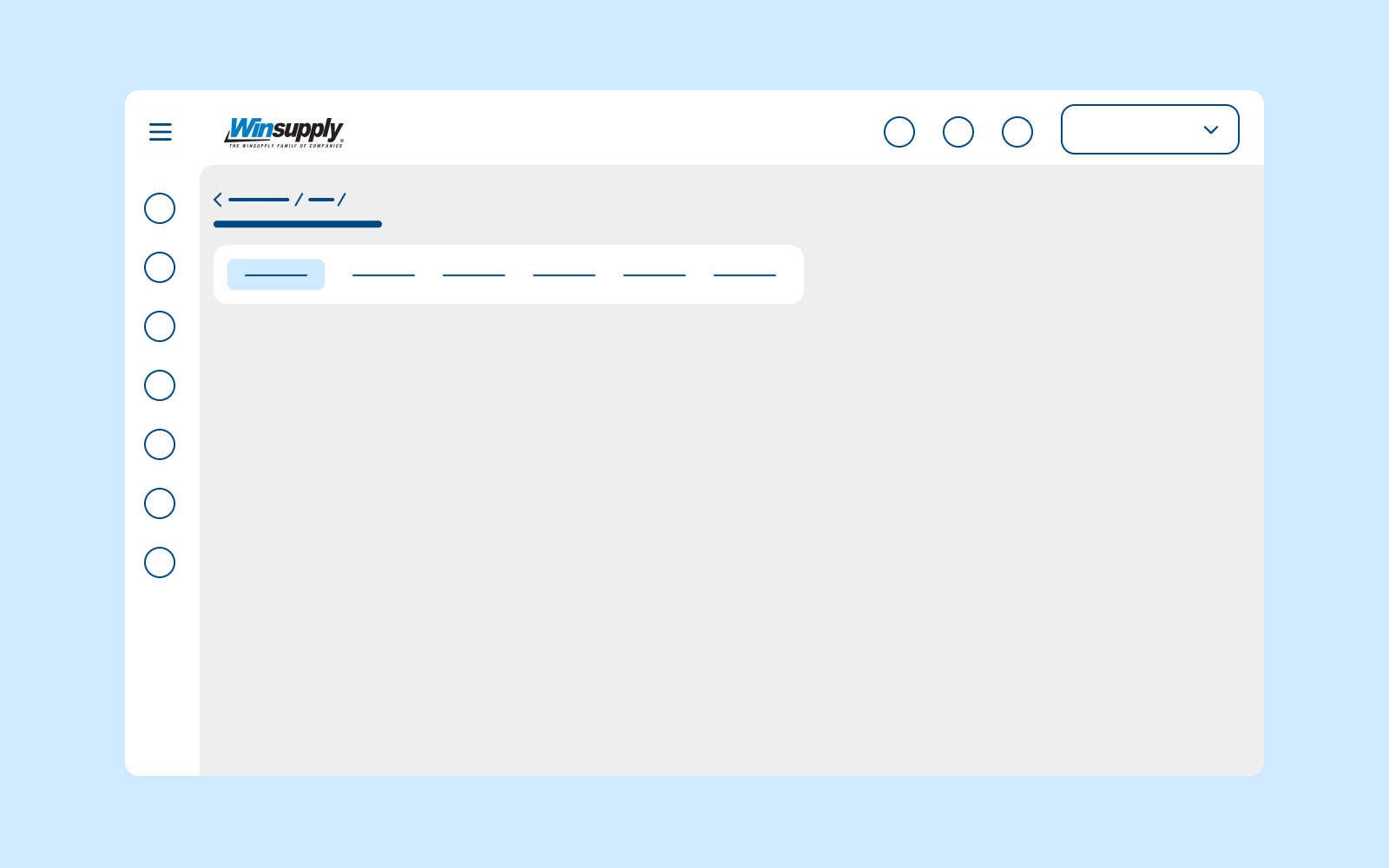
This internal component provides the main layout, navigation, and core elements that should exist among all new ERP applications.
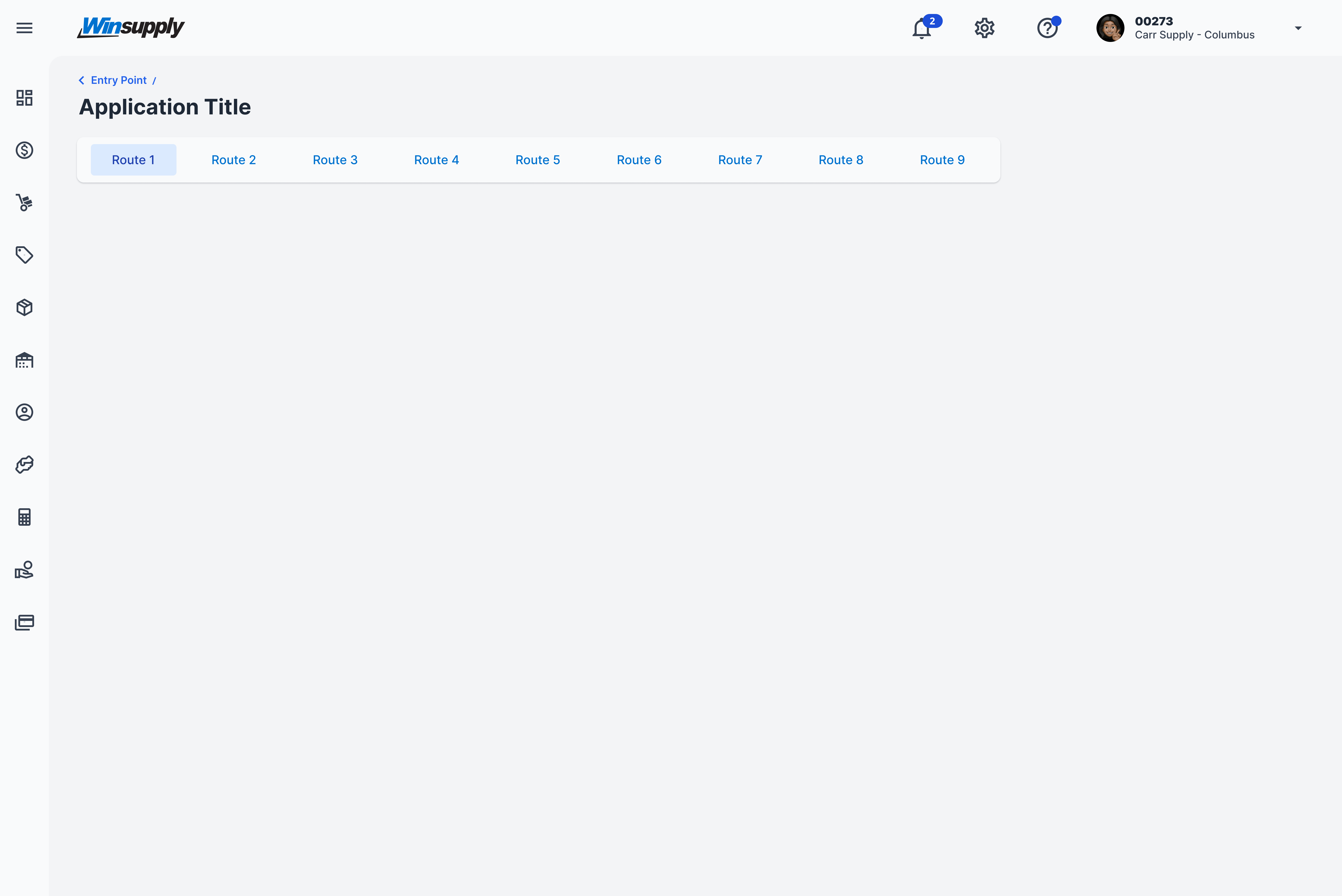
Application routing is only used if there are third tier navigation items. If there are none, the user will only see the application title upon entering an application.
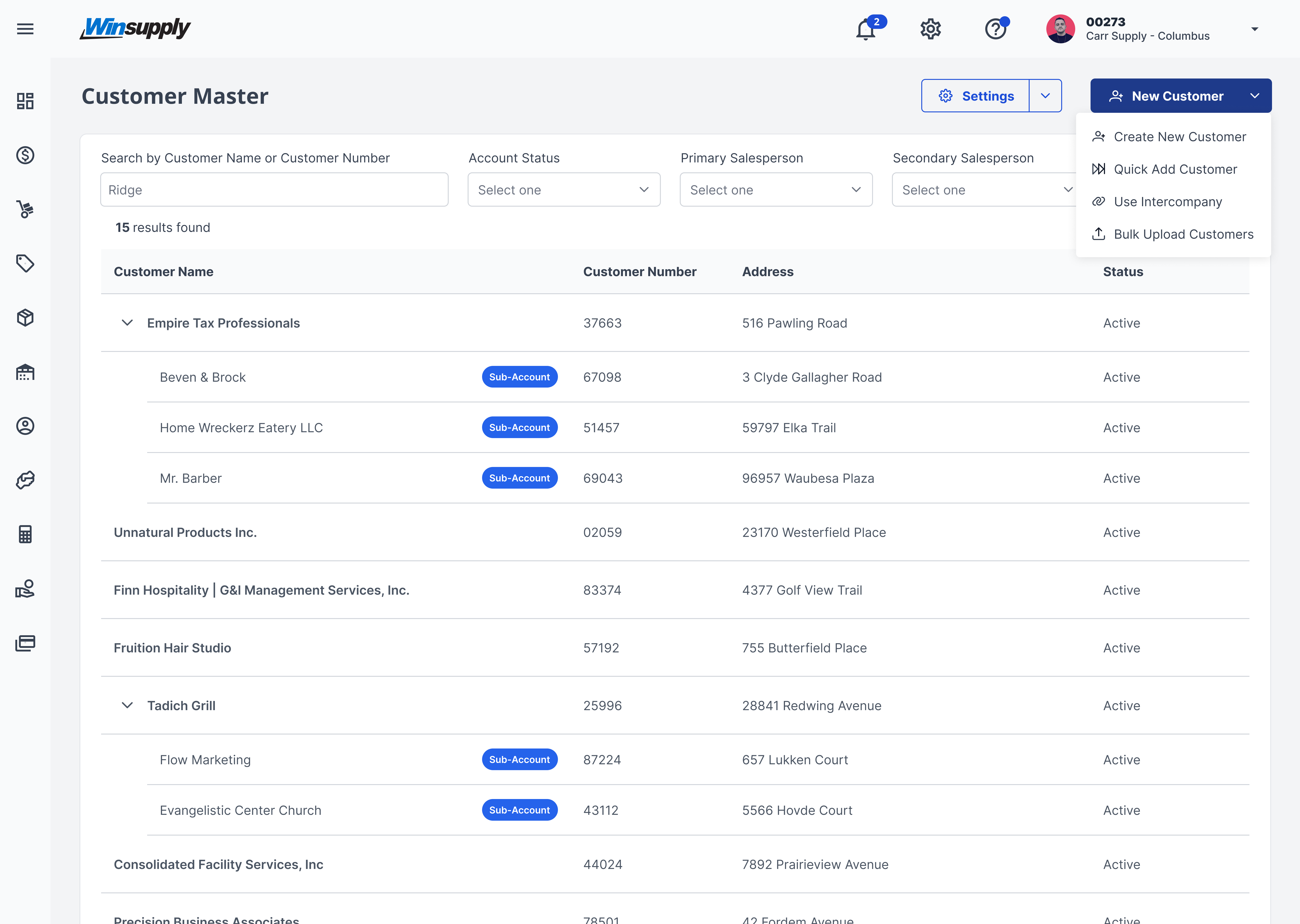
Title and routing (if used) remain throughout all levels of an application to enable the user to quickly navigate and to know which application they are using at all times.
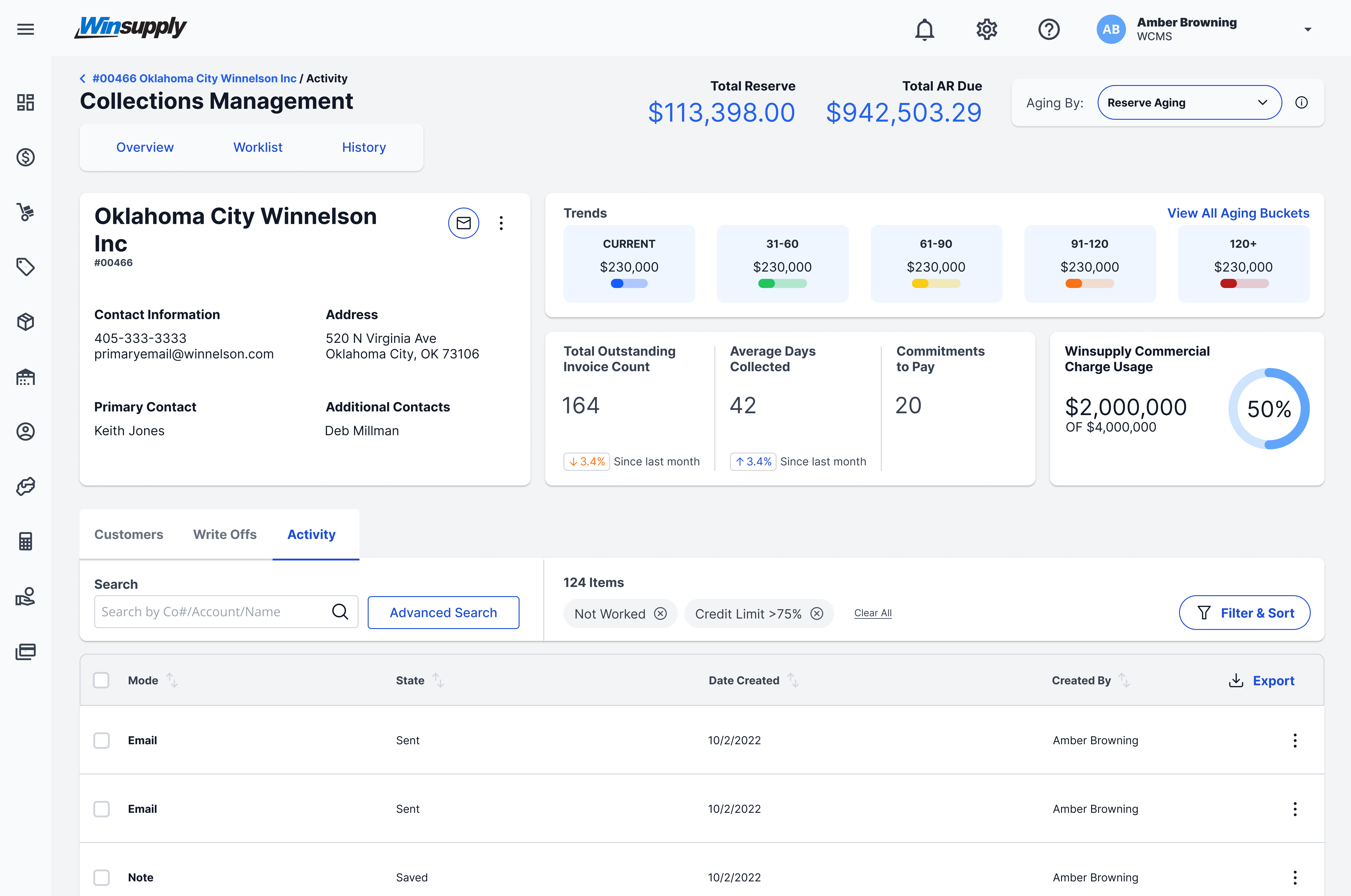
If a user can move into deeper levels past a first-level view, use breadcrumbs to enable them to track and navigate through page hierarchy. See Breadcrumb documentation for additional information.
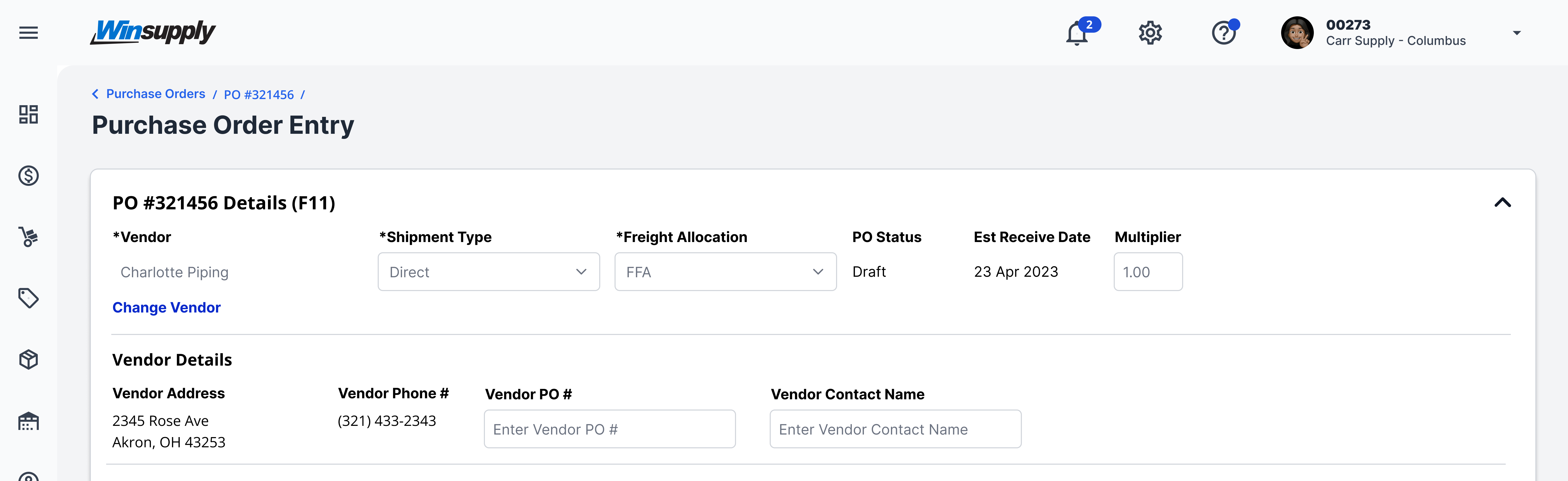


Application title with breadcrumbs (no application routing)
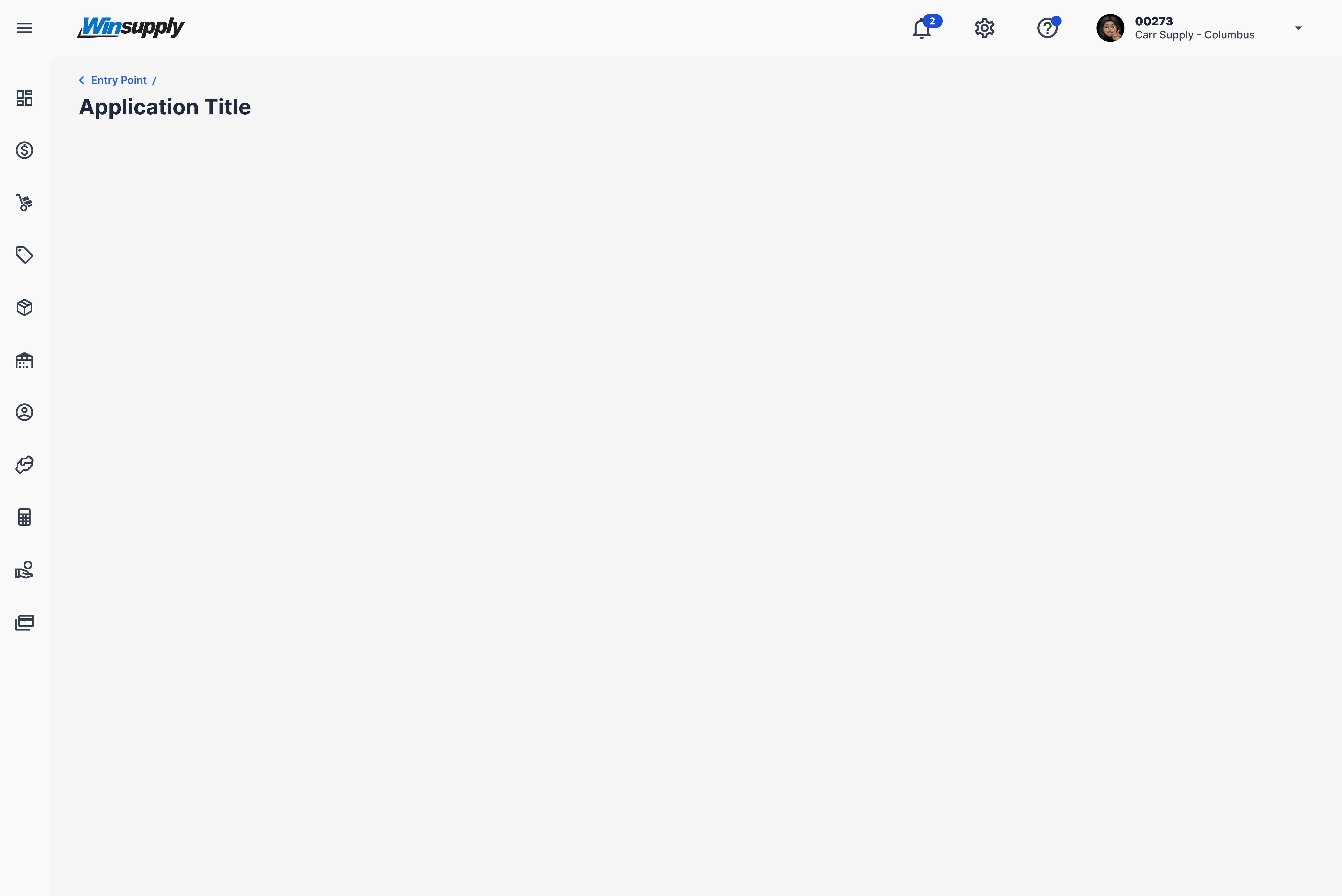
Application title with application routing (no breadcrumbs)
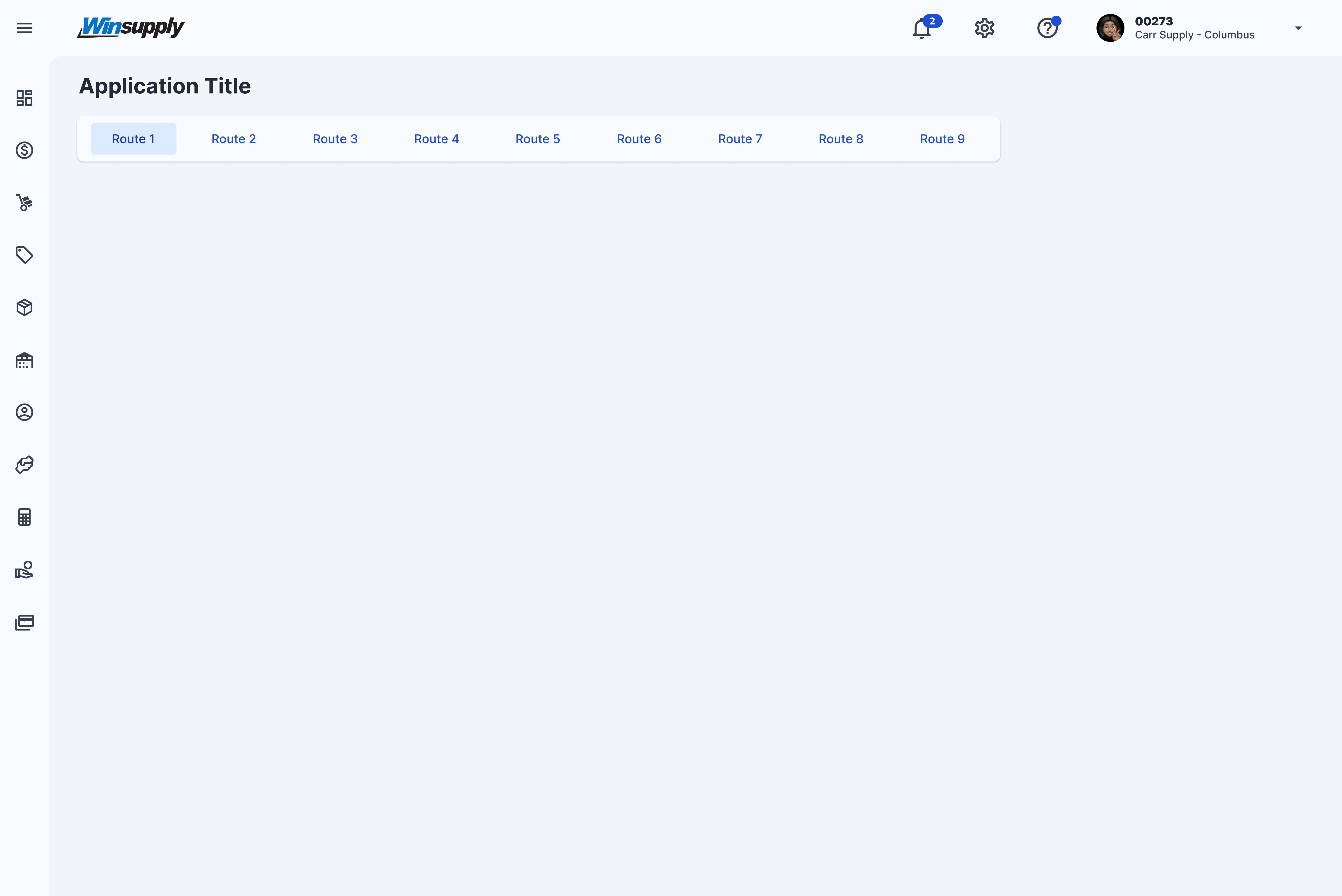
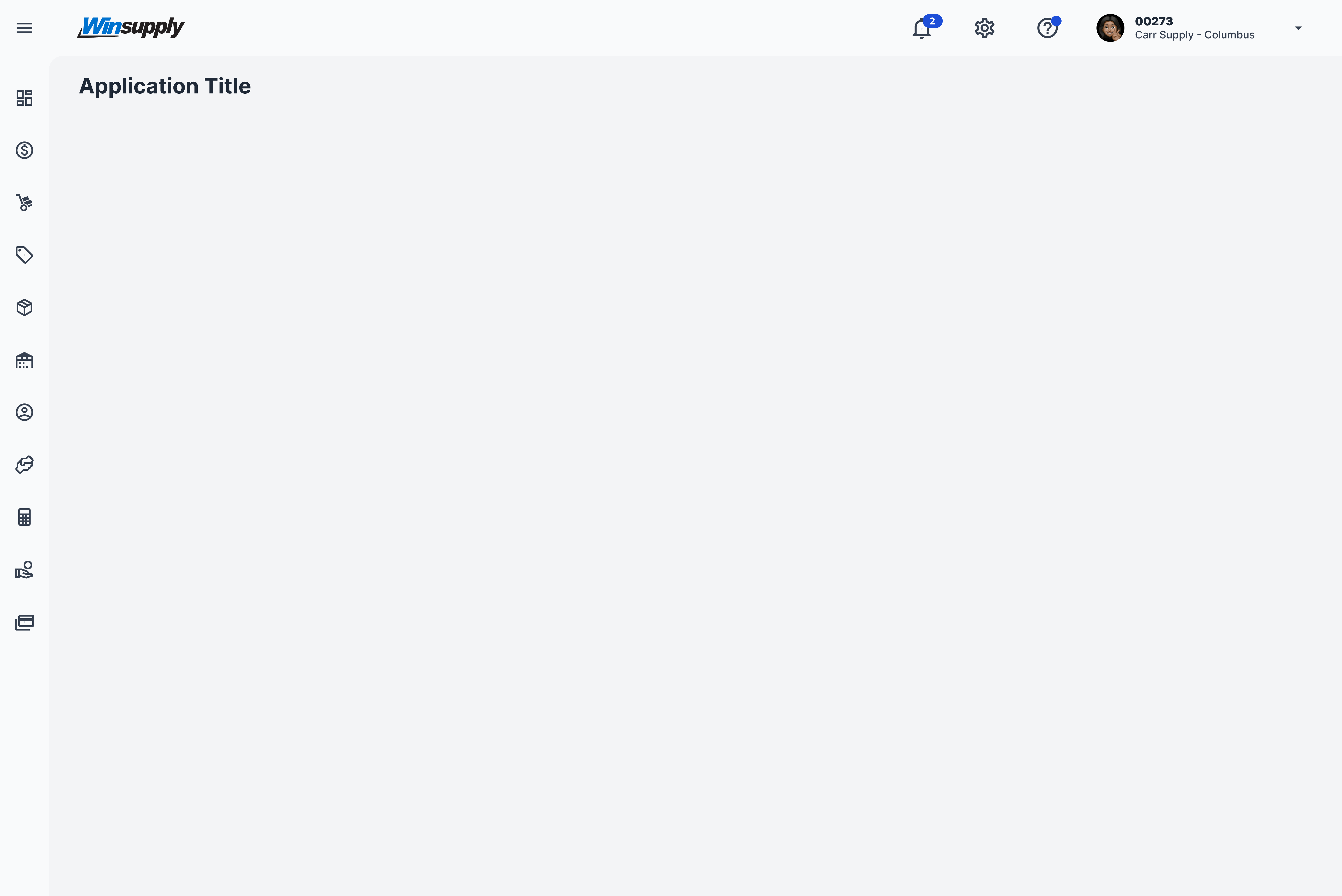
Application title only
Padding: 16px, 32px, 32px, Margin between application title and routing: 16px, Margin between breadcrumb/title/routing and application content: 24px
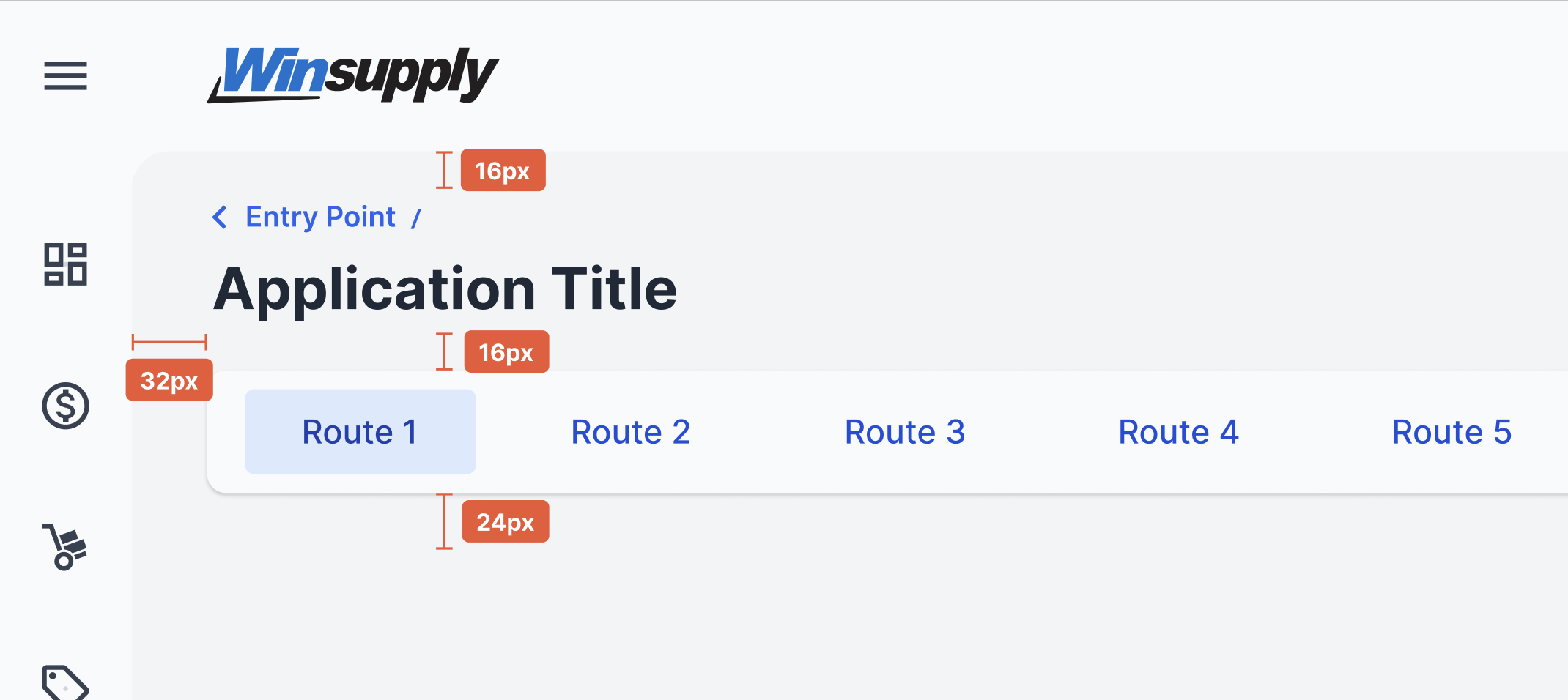
Application title: h3/bold-700/line-height-1.5 (24.5px/1.531rem)