
Handsontable
Table with spreadsheet functionality.

Purpose
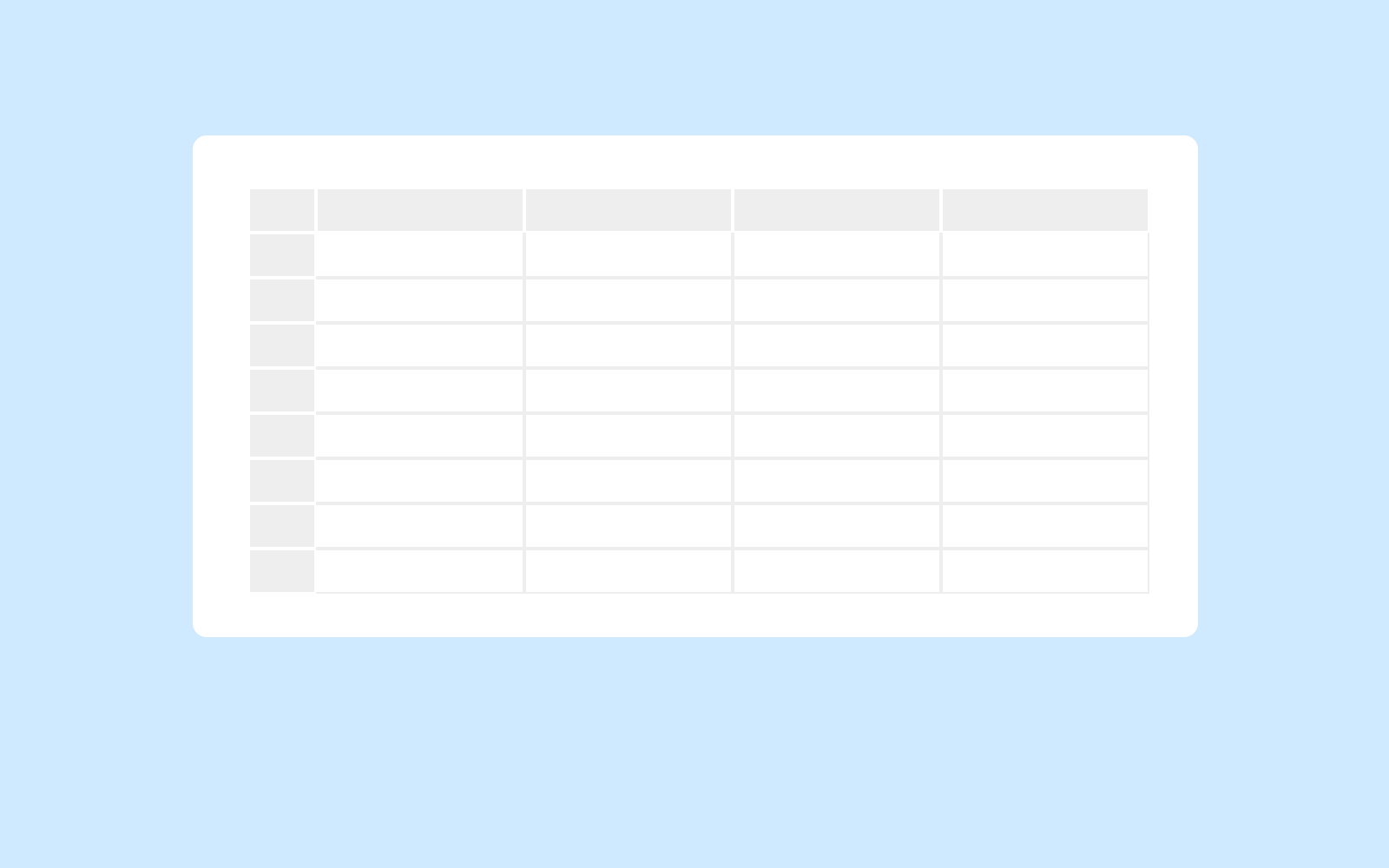
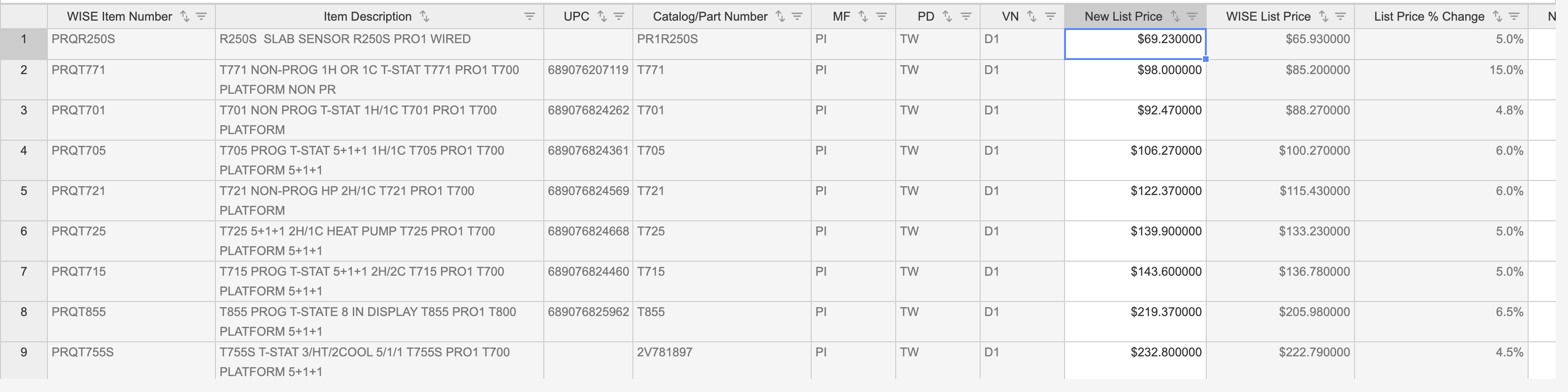
A table consisting of multiple editable fields with familiar styling of spreadsheet programs uses Handsontable. Think of Handsontable as an extensible framework that lets you quickly build tabular, data-oriented user interfaces.

Editable cells are indicated as active by using a lighter cell background whereas inactive cells or information-only cells use disabled backgrounds. Often different cells can be switched active/inactive by using controls in table headers or making selections within the table.

Usage
When to use
- More than 2 editable columns on a table and spreadsheet functions are desired by users.
- Column Minimum: 4
When not to use
- Table information is not editable, use Tables (General)
Video Recap
Best Practice
Example One
Filtering is enabled within individual columns

Example Two
Editable information has direct correlation to other cells on the table.

Example Three
Example Four
Winsupply Standards
Incorrect Usage
Example One
Example Two
Example Three
Example Four
Variants
Sizing
Applications In Use
No items found.
.jpg)