Tables (General)
.jpg)
Purpose
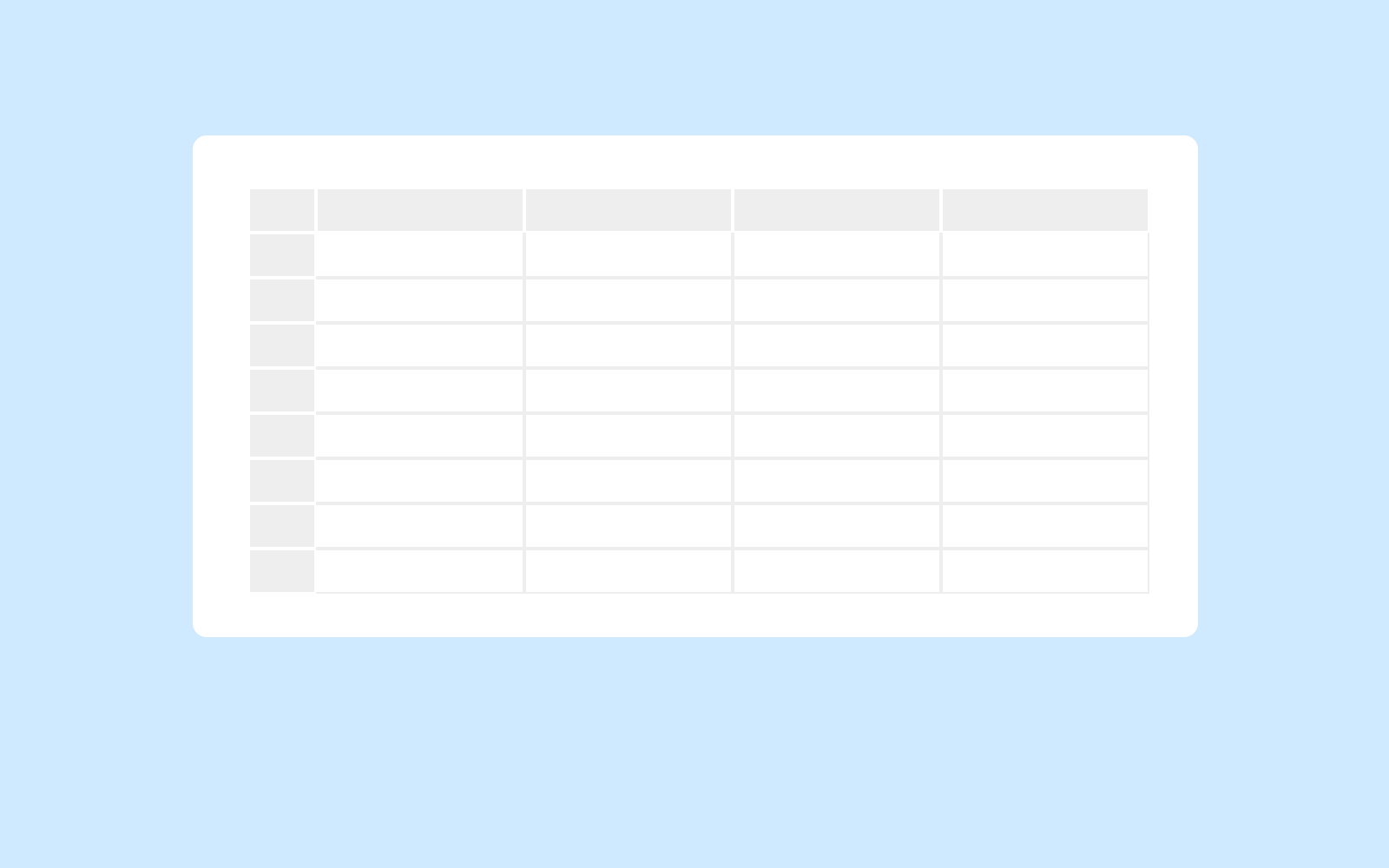
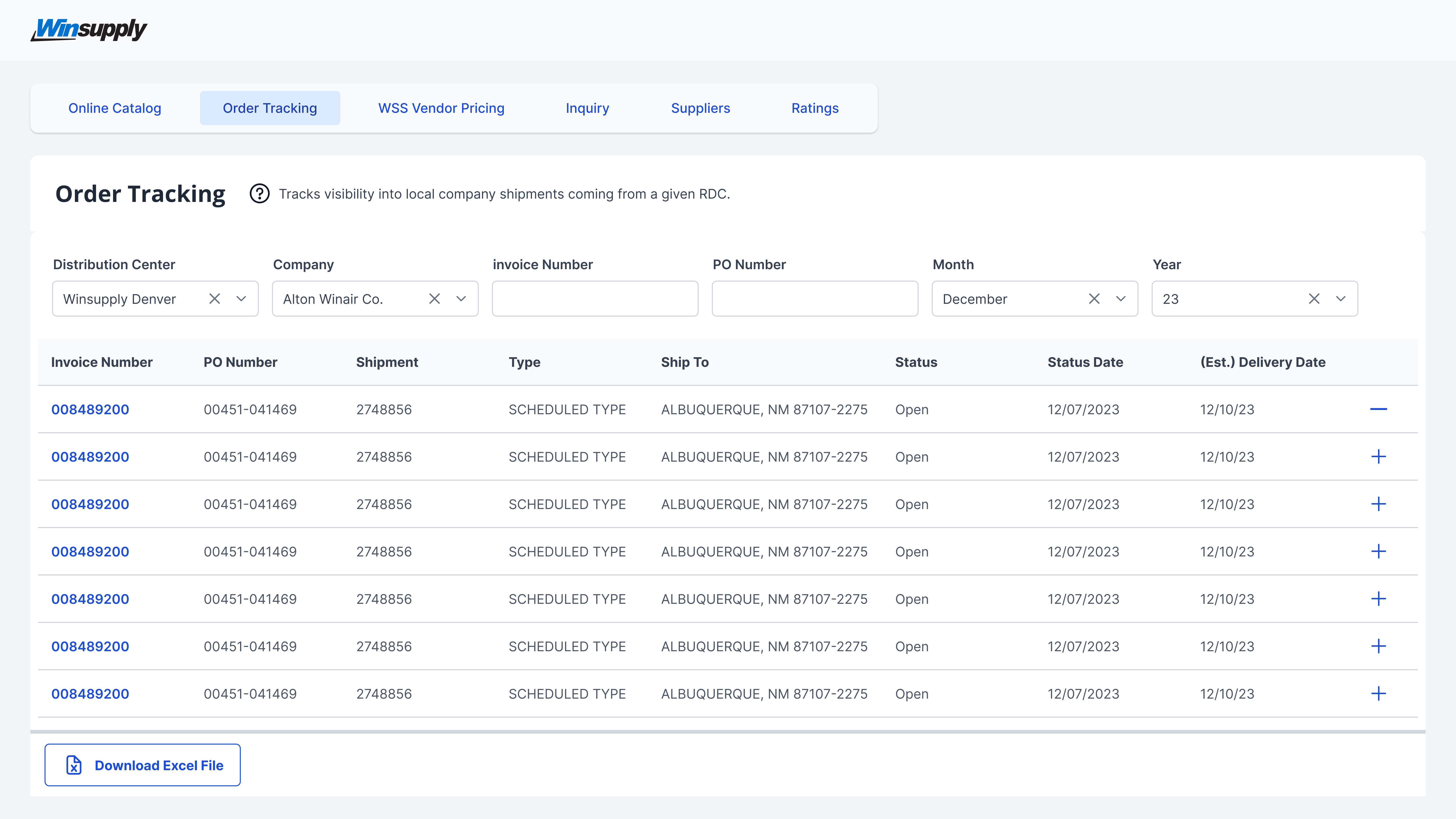
Tables are used to organize and display data efficiently in a grid format of rows and columns to be easily consumable.
Usage
When to use
- Data needs to be compared or referenced
- Large amounts of data need to be organized and displayed
- Data can be edited (a table does not need to have the edit function)
- If the user needs to select, move, search through, or click into data to view more details
When not to use
- When a bulleted list can be used
- If the user needs complete control of the table like a spreadsheet application, use Handsontable
Video Recap
Best Practice
Example One
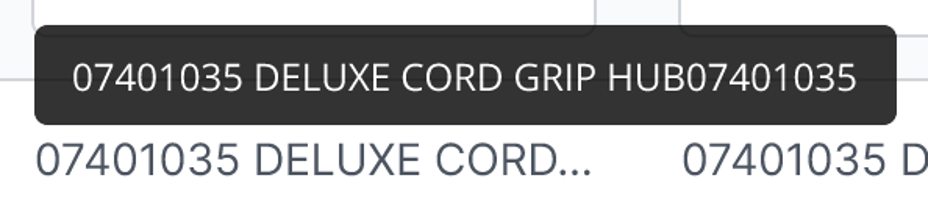
If size constraint is limiting the size of columns, (i.e. users do not want table to side scroll) text may be truncated and upon hover display the full information via tooltip.
Example Two
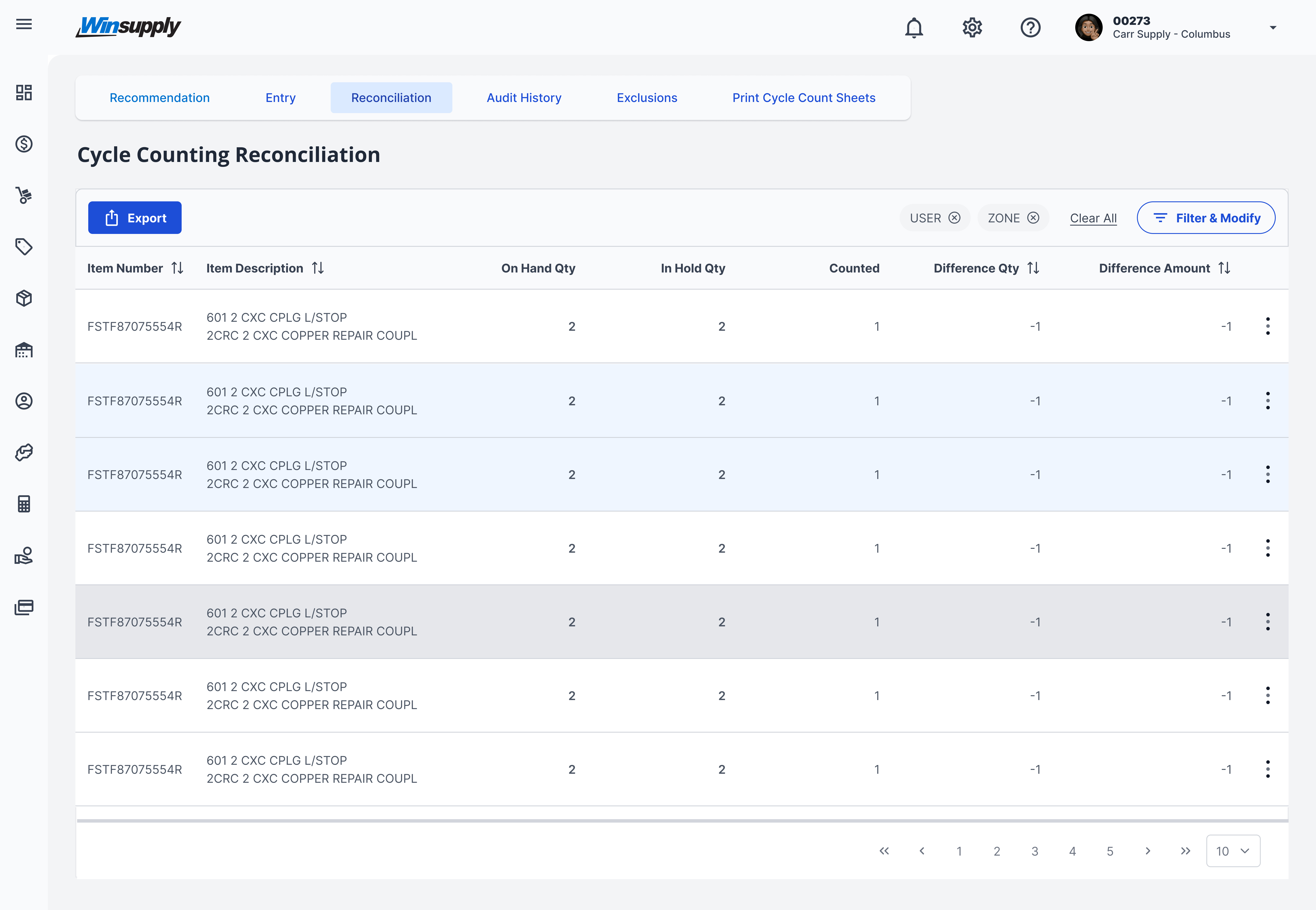
Use a hover state (gray) to show the user their location on the table and a select state (light blue) to show the user which rows are selected, so they can take action.
Example Three
Example Four
Winsupply Standards


Incorrect Usage
Example One
Quantity, cost, and price are left-aligned. Instead, they must be right-aligned.

Example Two
Column headers not following alignment with data.
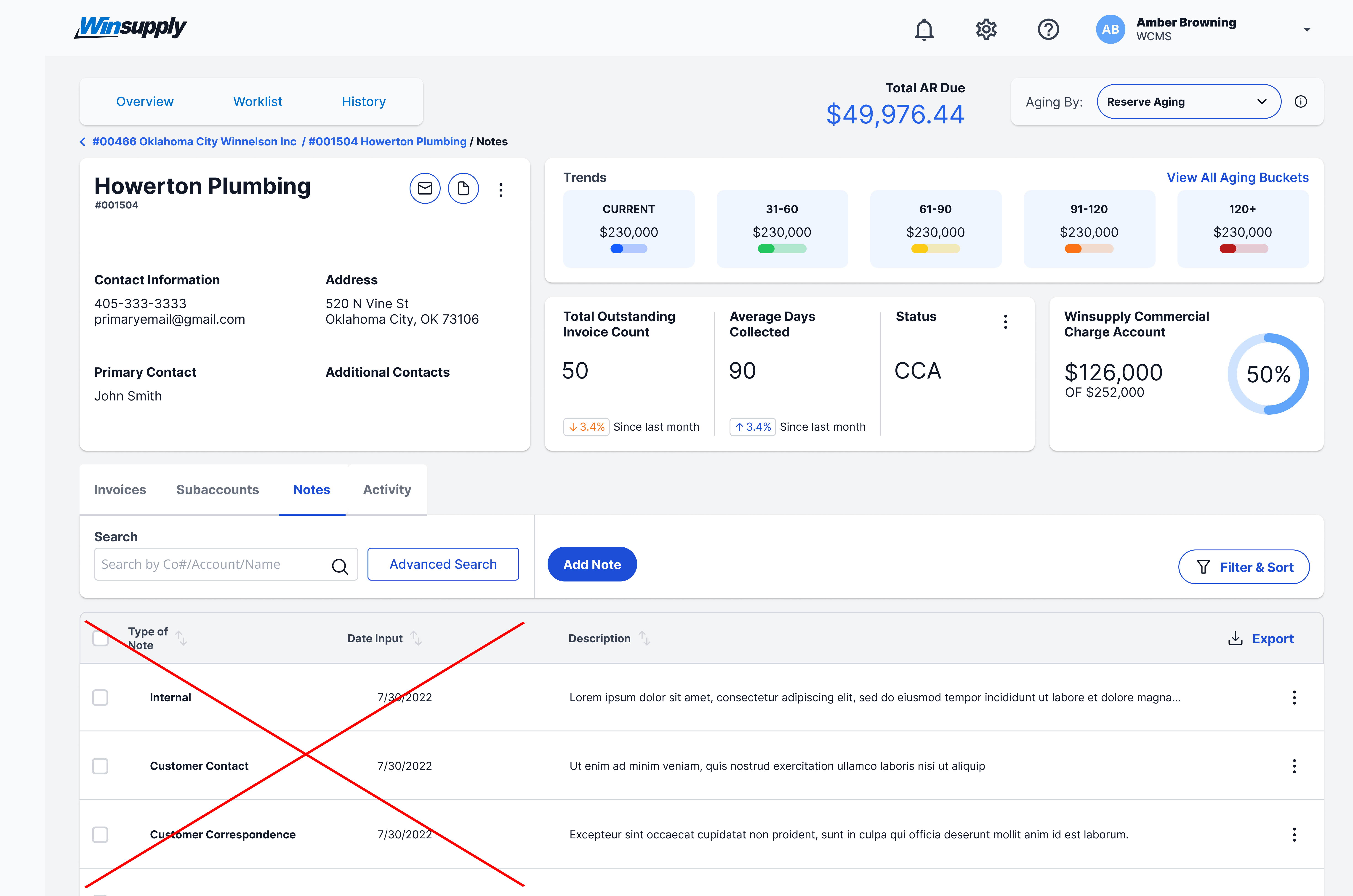
Example Three
Example Four
Variants
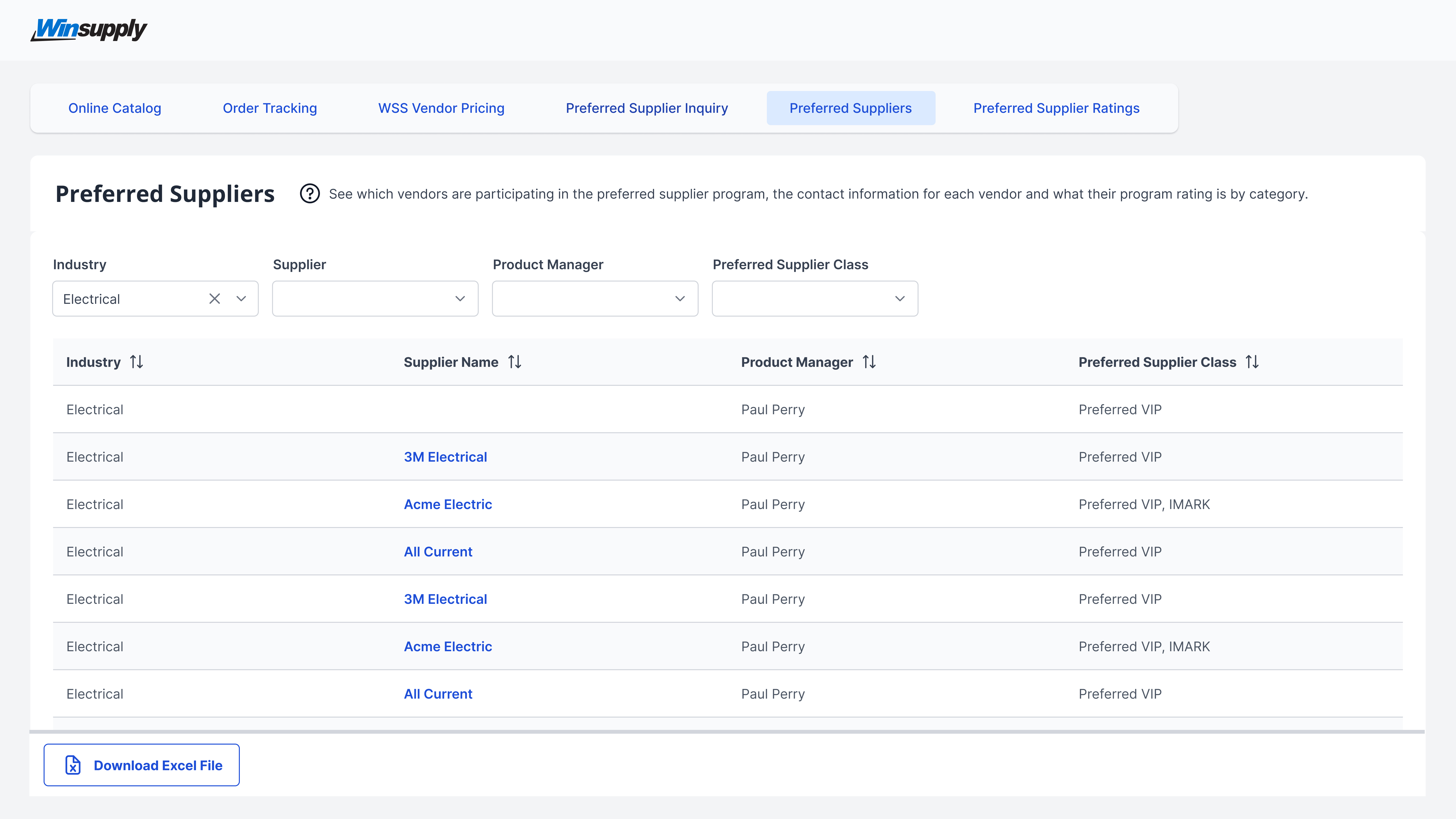
Striped or "zebra-striped" tables aid in eye-tracking across rows of information.
Sizing
Depending on the requirements of the table's rows/columns, the width of the table can be from 2 columns to across the whole page with side-scrolling enabled. The row heights have 3 different sizes: Small, Normal, and Large.