Toast

Purpose
Toast messages provide short, time-based (unless dismissed by the user), non-disruptive messages regarding tasks or processes in an overlay.

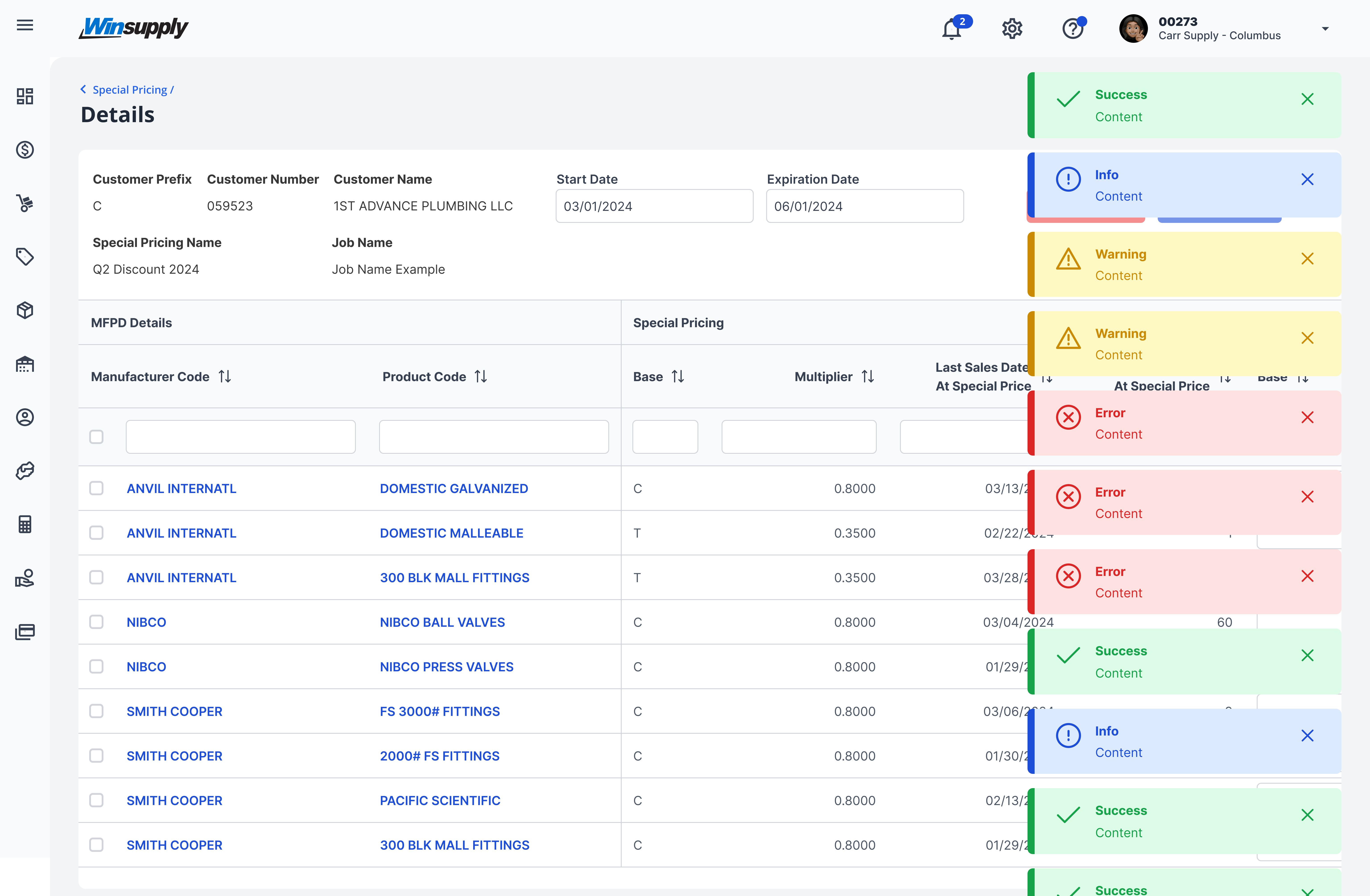
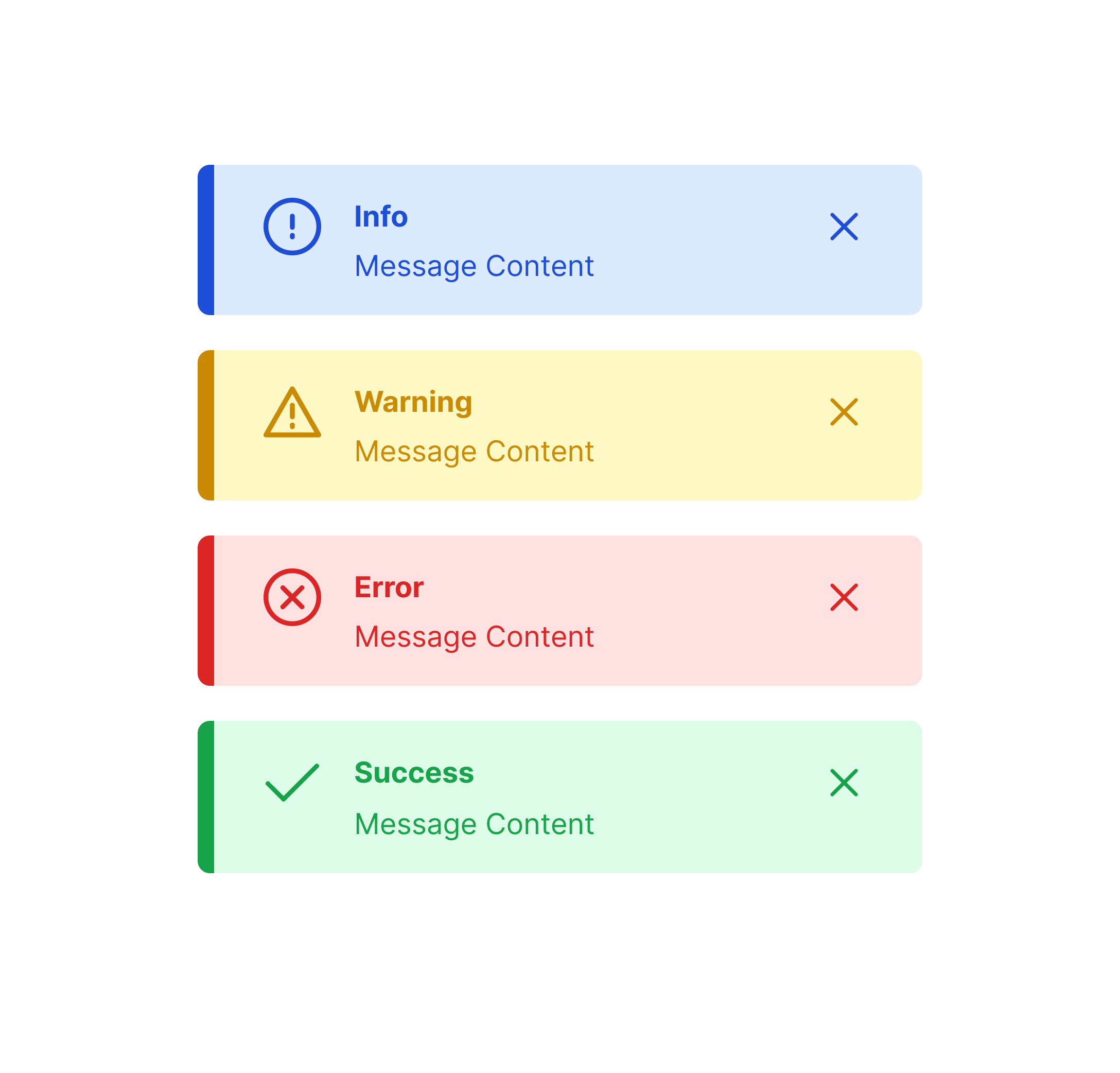
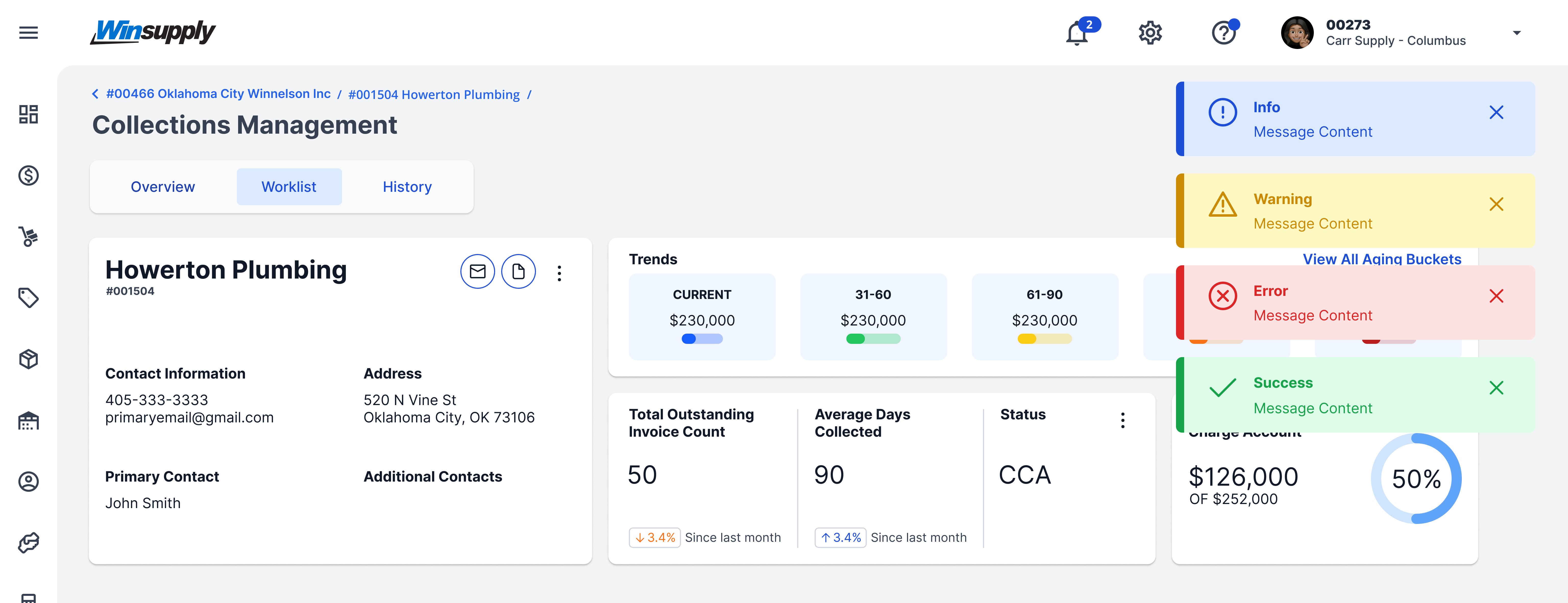
There are four types of severities:
- Information: Provides a user with high-priority information.
- Warning: Gives caution to potential results.
- Error: Notifies the user a problem has occurred.
- Success: Confirms an action has been completed as intended
Usage
When to use
- A short message to confirm or give a status on a task or process.
- Notify a user of an error that has occurred.
When not to use
- Critical information that requires action.
- Alerts
- User needs to interact with content.
Video Recap
Best Practice
Example One
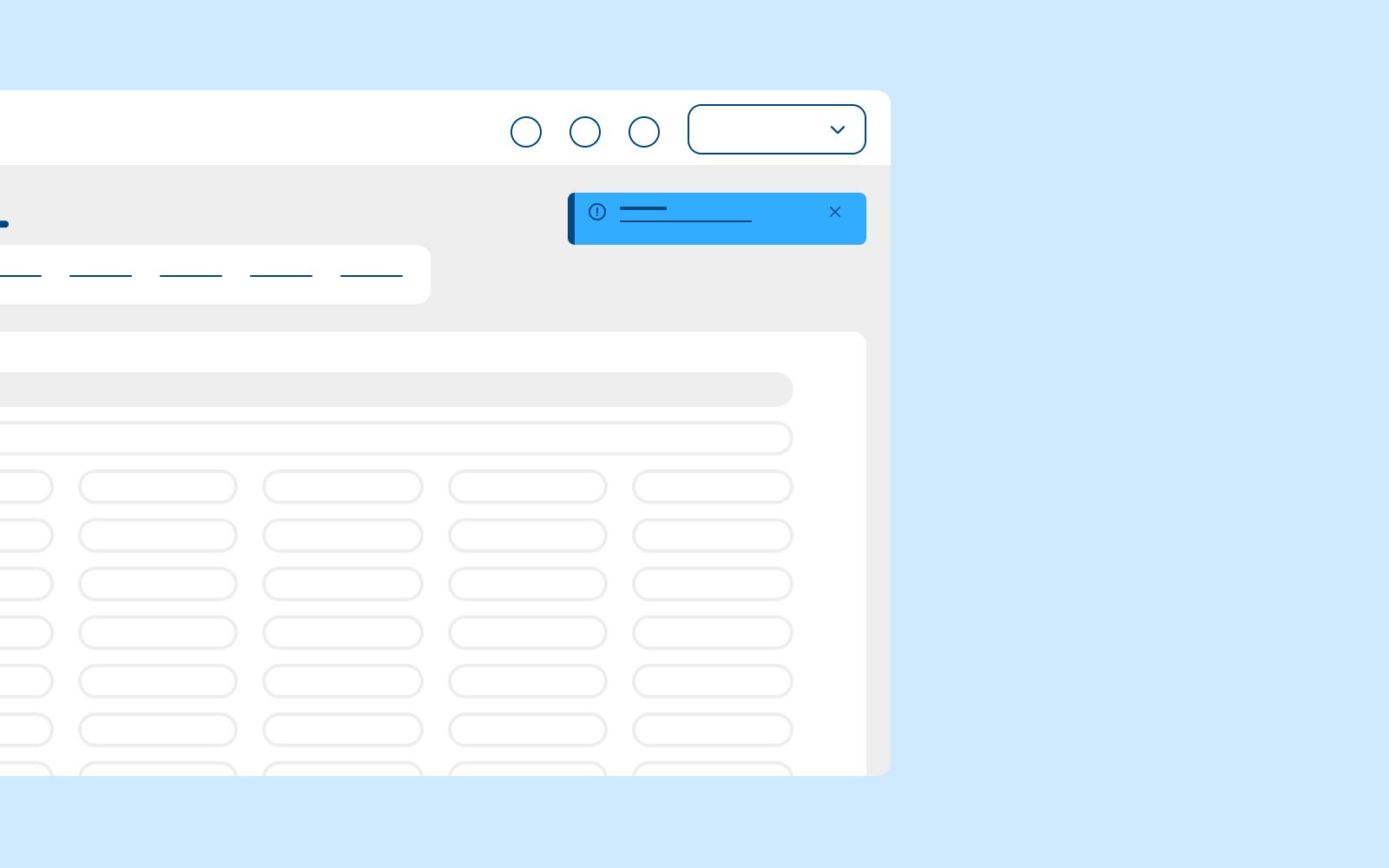
Place a toast message on the top right of the screen and stack vertically if there are multiple messages.

Example Two
Use toast messages only for high-priority information. Too many toast messages could be distracting to the user, disrupt their processes, and cause alert fatigue.

Example Three
The default time to display a toast message is 3,000ms (3 seconds). Do not display this component for less than the default time. More time may be added if deemed necessary.
Example Four
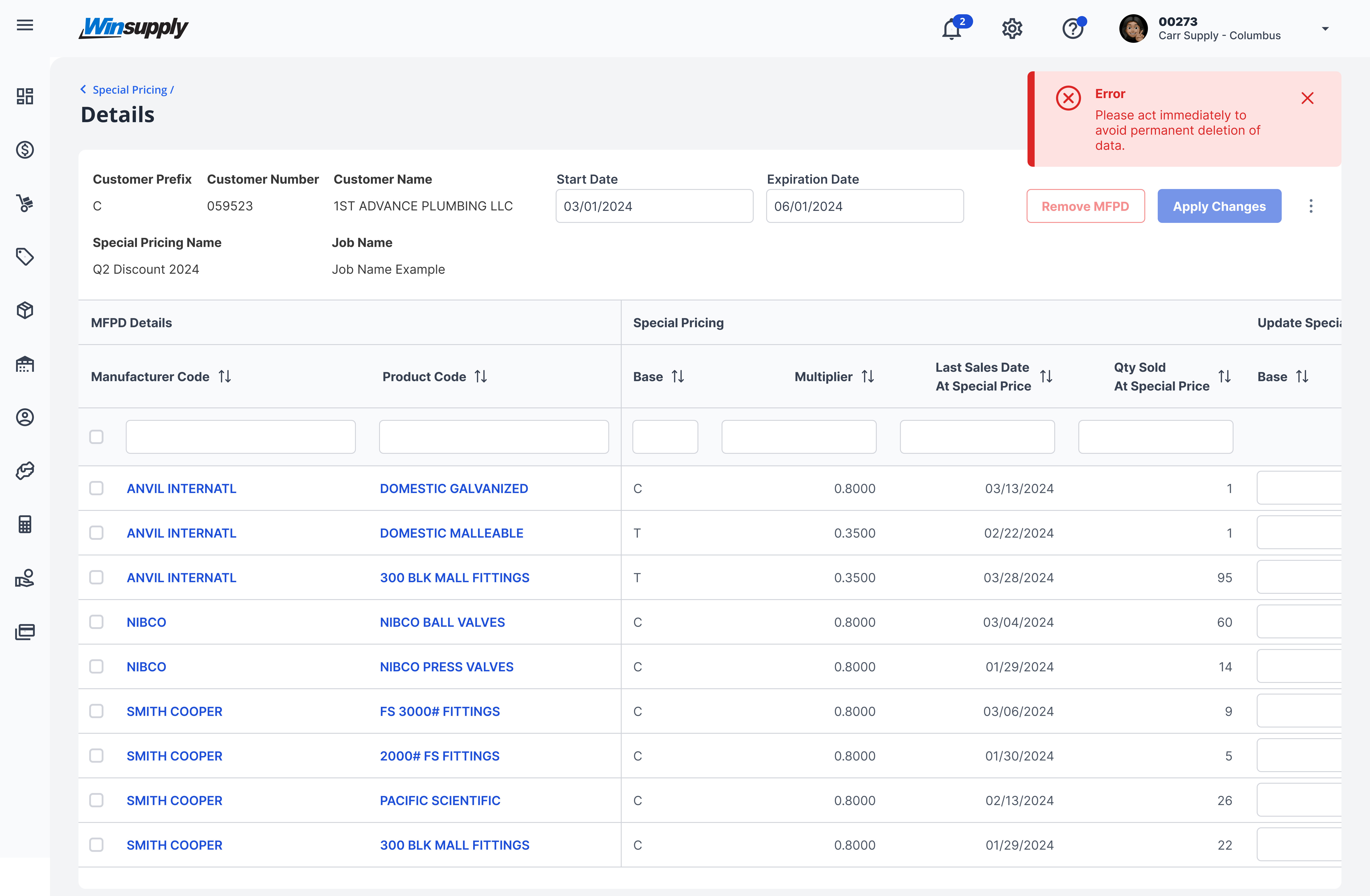
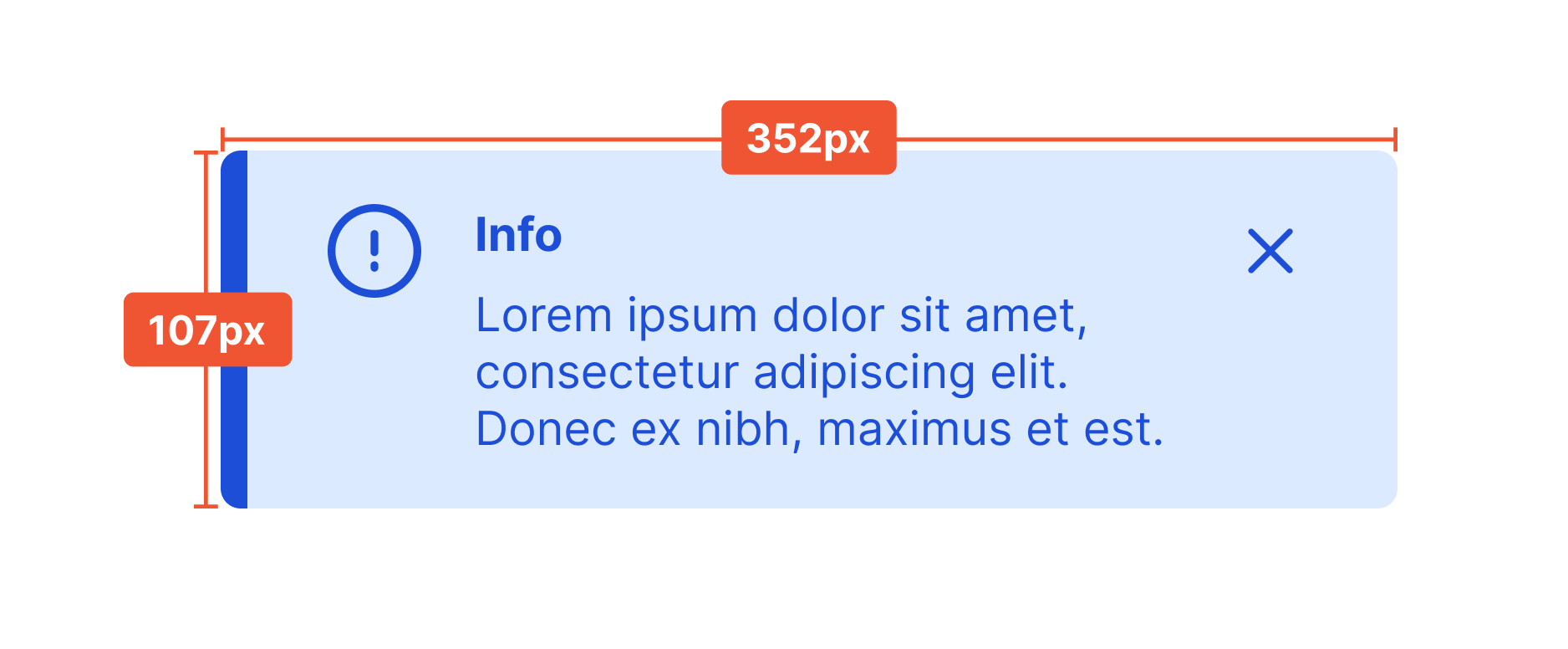
The content of the message should not exceed three lines of text.
Winsupply Standards
Incorrect Usage
Example One
Displaying critical information that requires attention. Toast messages are time-based, resulting in a high risk that the user may not see or read the alert fast enough. Instead, use the Messages component so the user can get more context and have more time to review and address the issue.

Example Two
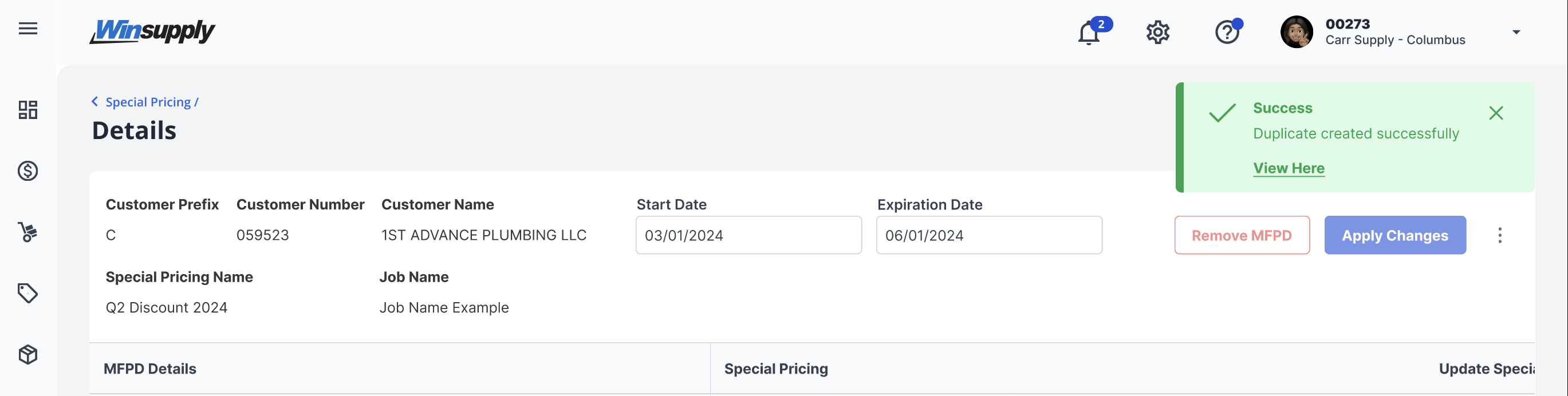
Toast message contains interactive content. The user may not get to it in time to interact with the component.

Example Three
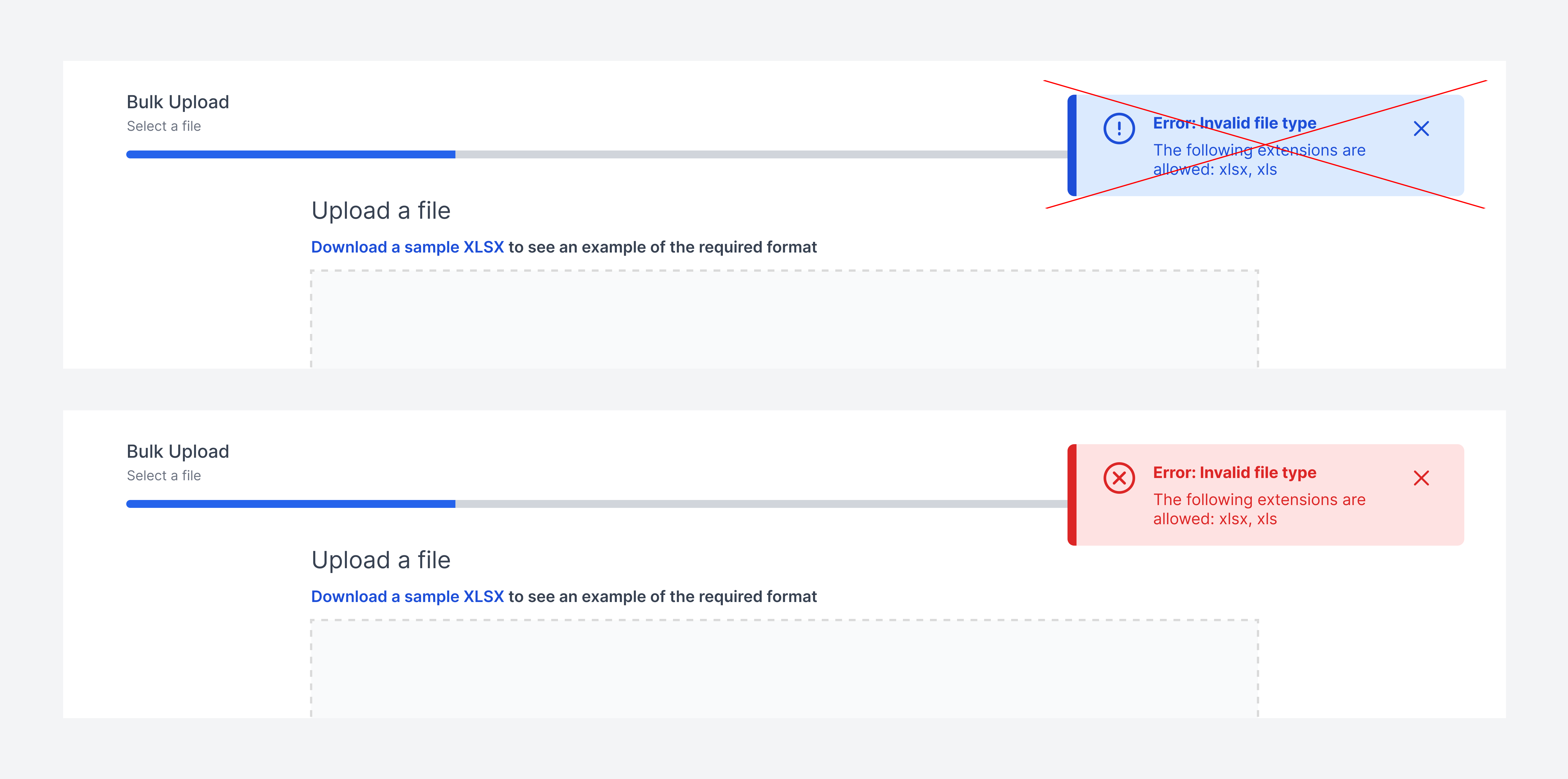
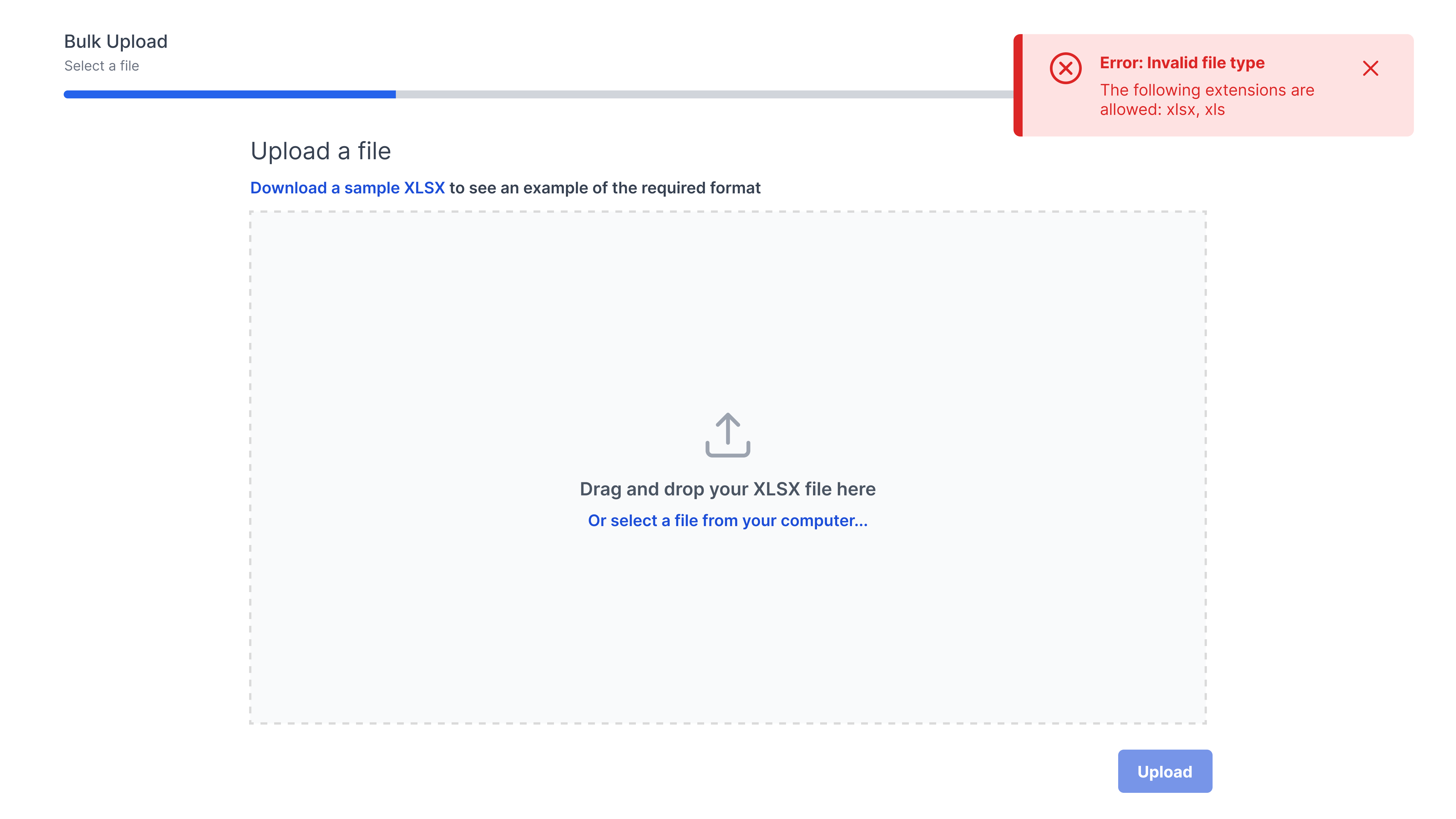
Message is paired with the wrong severity. The user needs to be notified that the wrong file type was submitted. This would be considered an error instead of information, and should be changed to the red error toast message.

Example Four
Variants
Sizing
Max Height: 107px, Max width: 352px