

Writing and Content
Create an accessible, efficient experience by using the right words and structure to guide users through WISE applications.
Be concise
Keep labels short and body copy as scannable as possible, so users can quickly move through daily tasks. Individuals using screen readers hear every UI element read aloud, so the shorter the text, the faster the content can be navigated.

Do
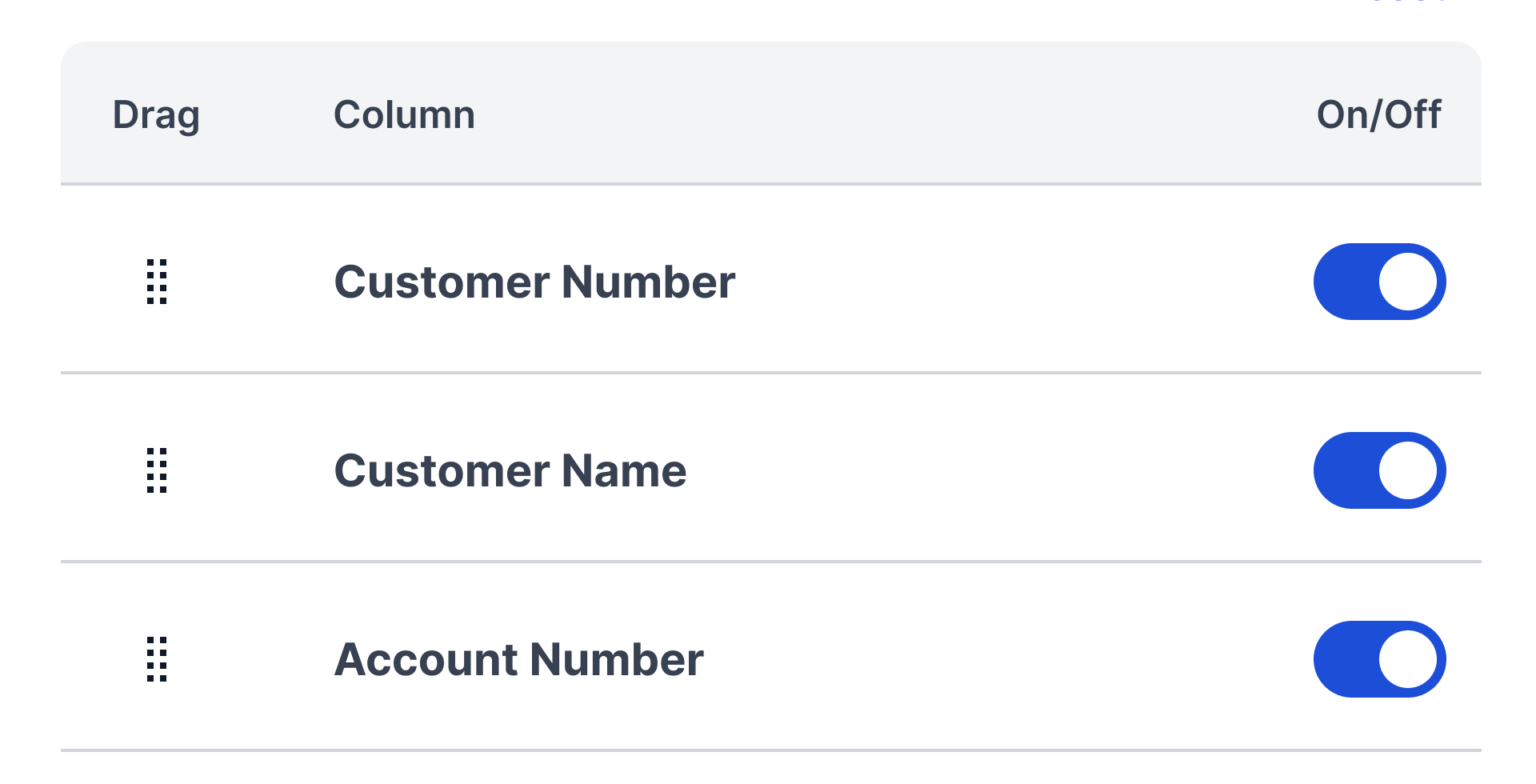

Don't
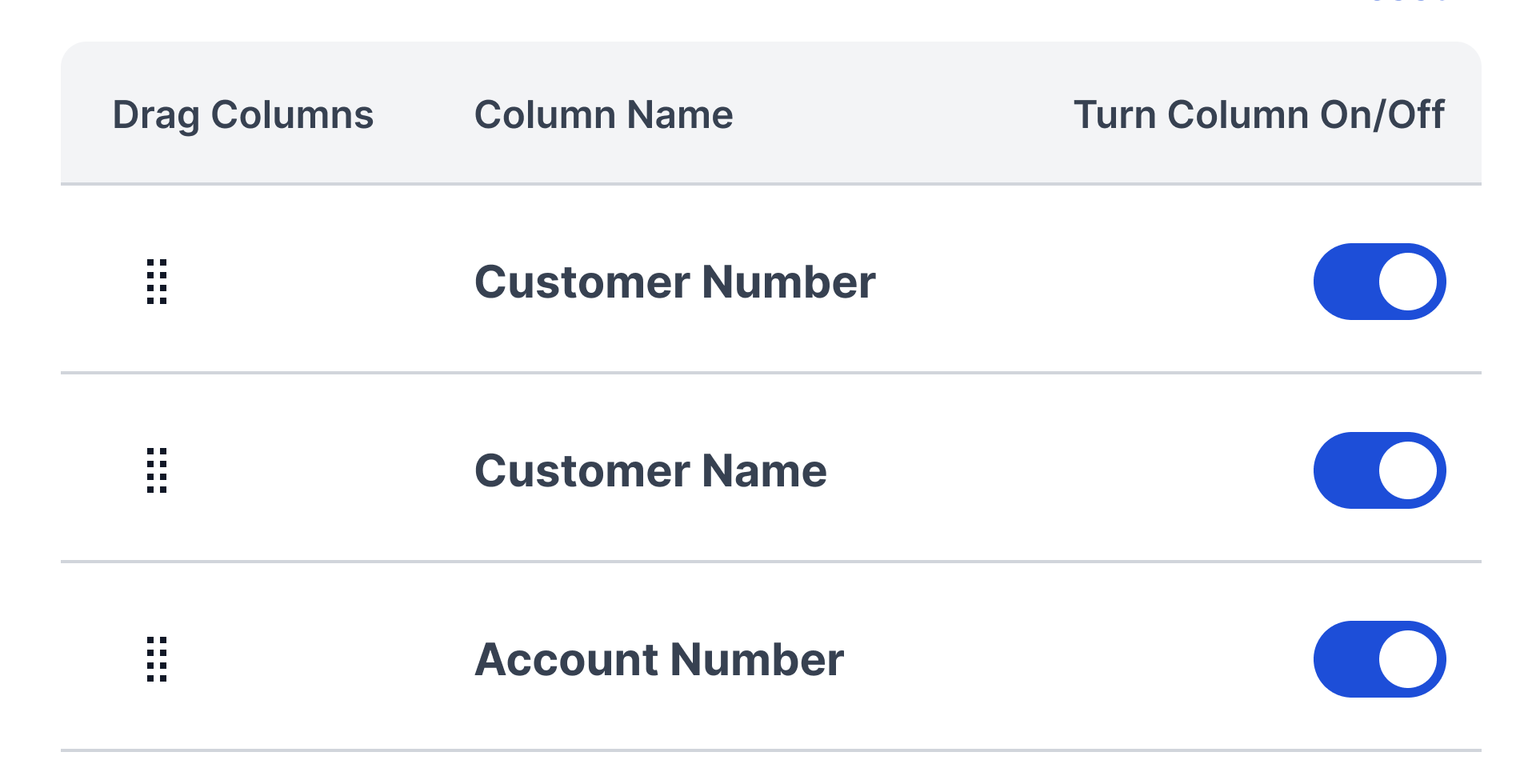
Action verbs make all the difference
Label elements with action verbs that indicate what happens when the element is selected.
Do
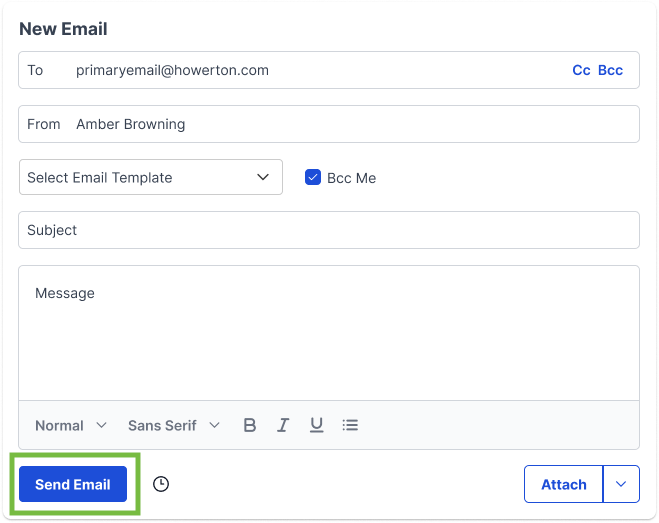
Don't
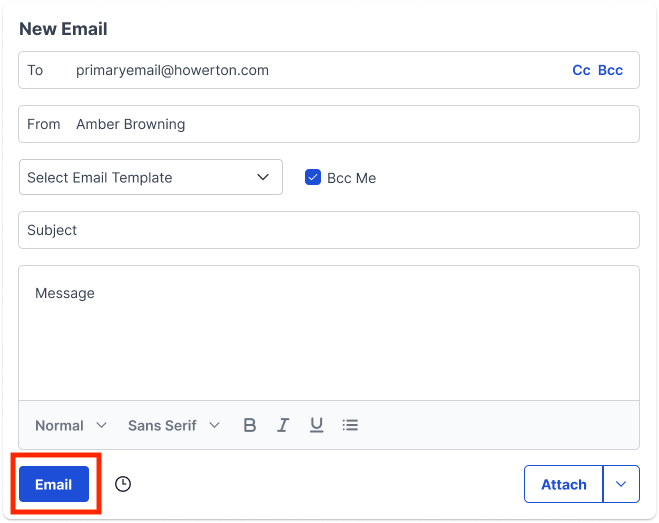
Establish hierarchy
Hierarchy guides the user through a flow by breaking up information into digestible pieces. Place items on the page in order of their level of importance so users don't have to search for them and are easily guided through tasks and/or processes.
Do
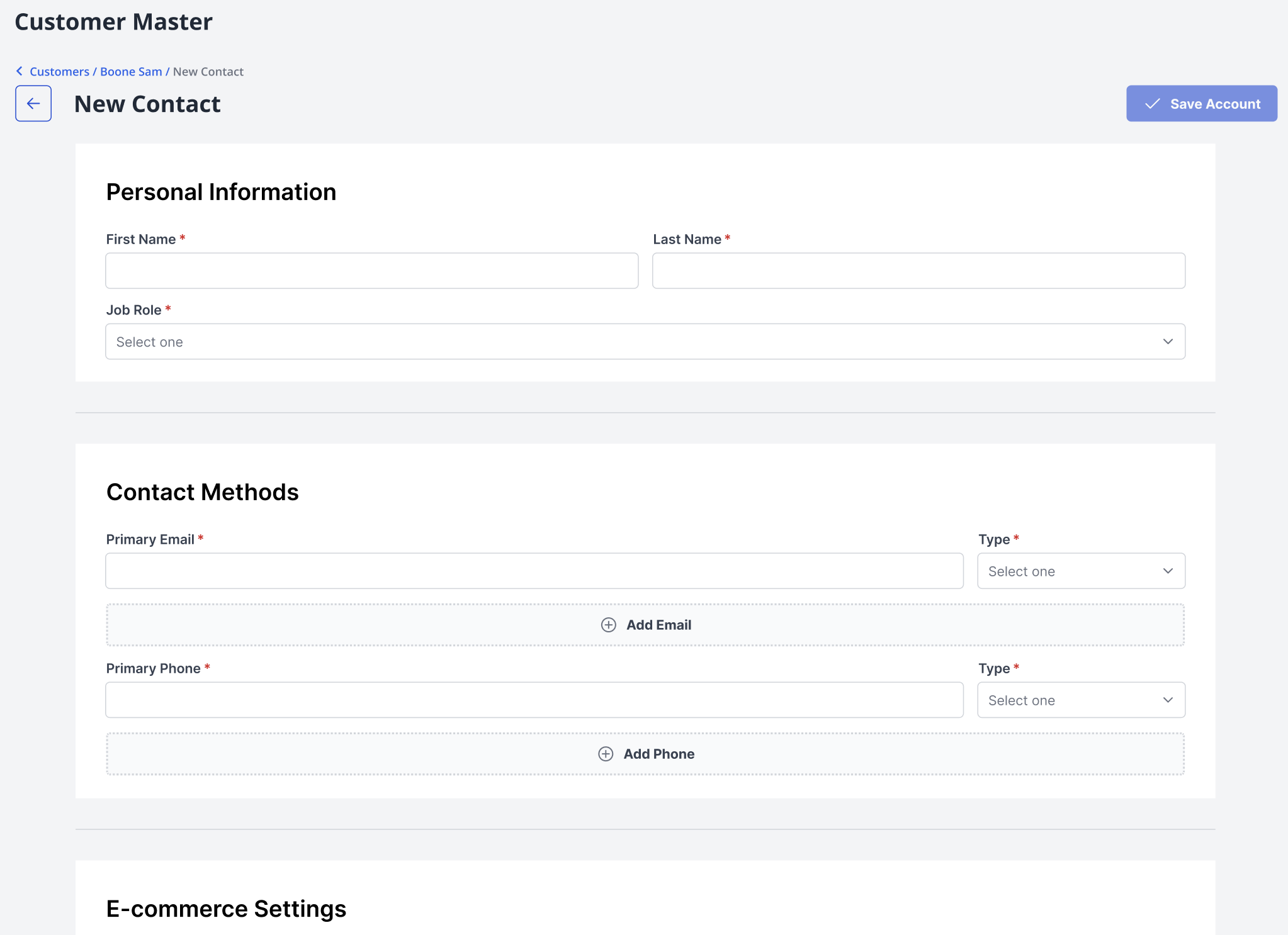
Don't

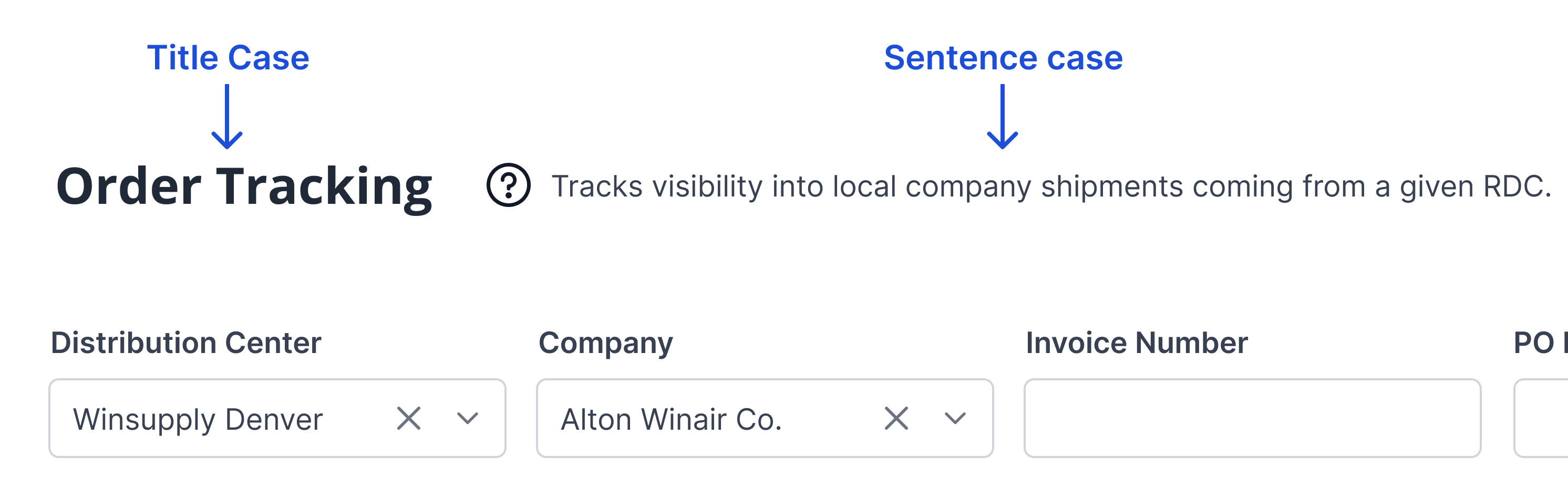
Title Case for Labeling
Sentence case for explaining
Title case cues the user as to what section they are entering and the primary actions that can be taken. Sentence case is for when a label isn’t enough to ask the user to make a decision, notify them of the outcome of an action, or explain a purpose.
Professional and conversational tones
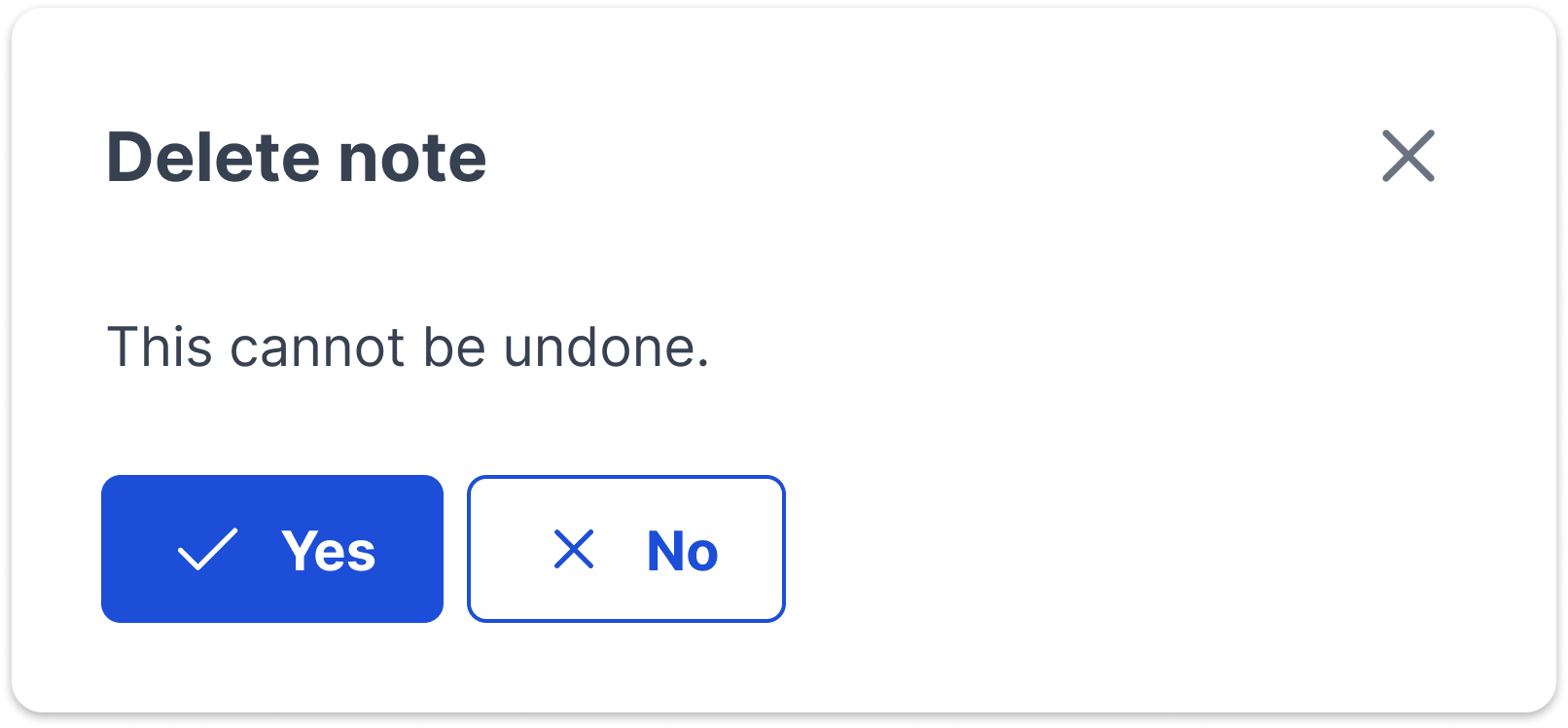
Winsupply employees interact each day in WISE to support the success of their local companies. Content needs to showcase professionalism and reliability but with a conversational flair. Talking with users creates a more delightful experience.
Do
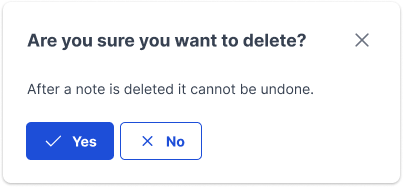
Don't
Possessive pronoun usage
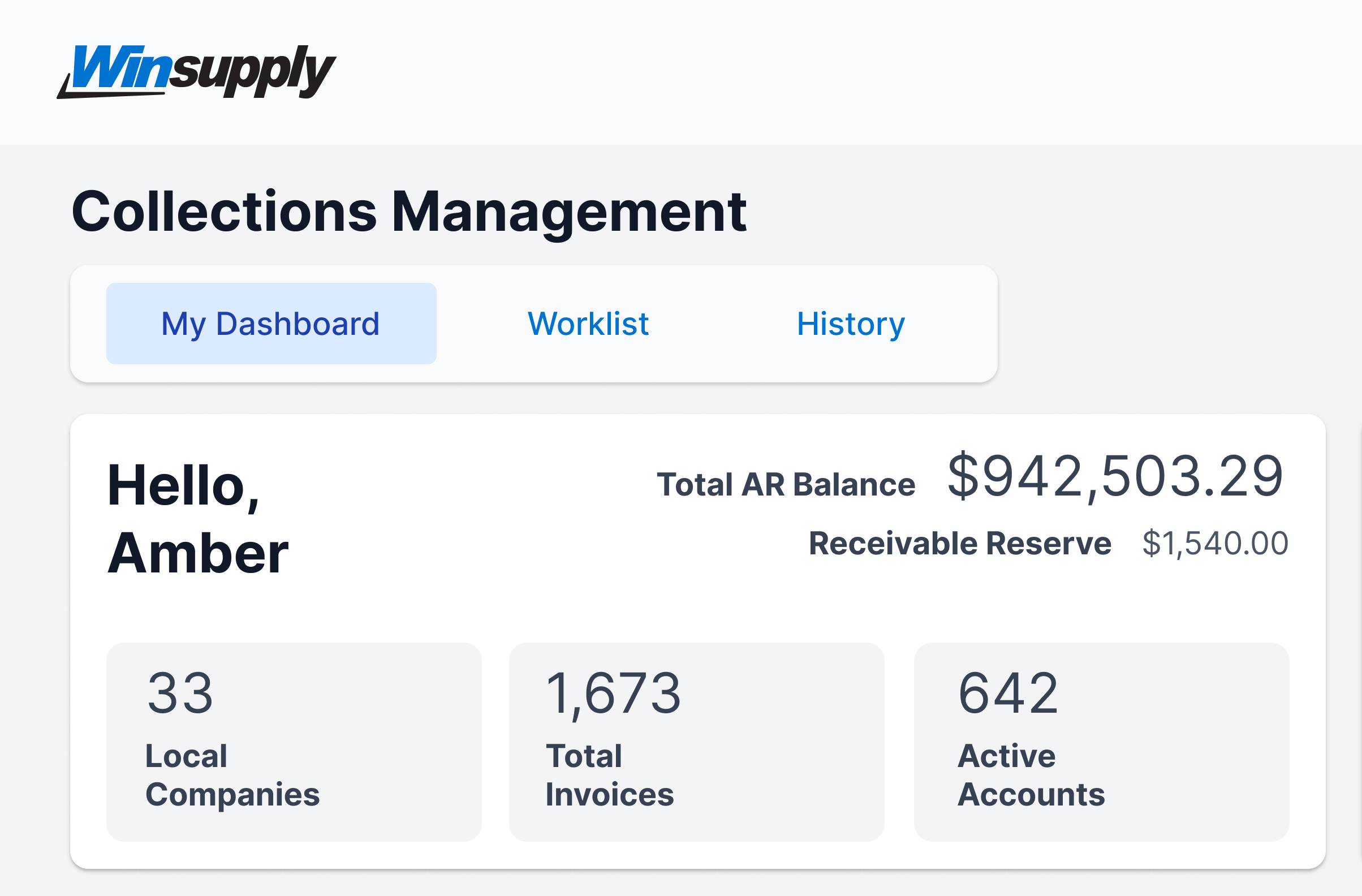
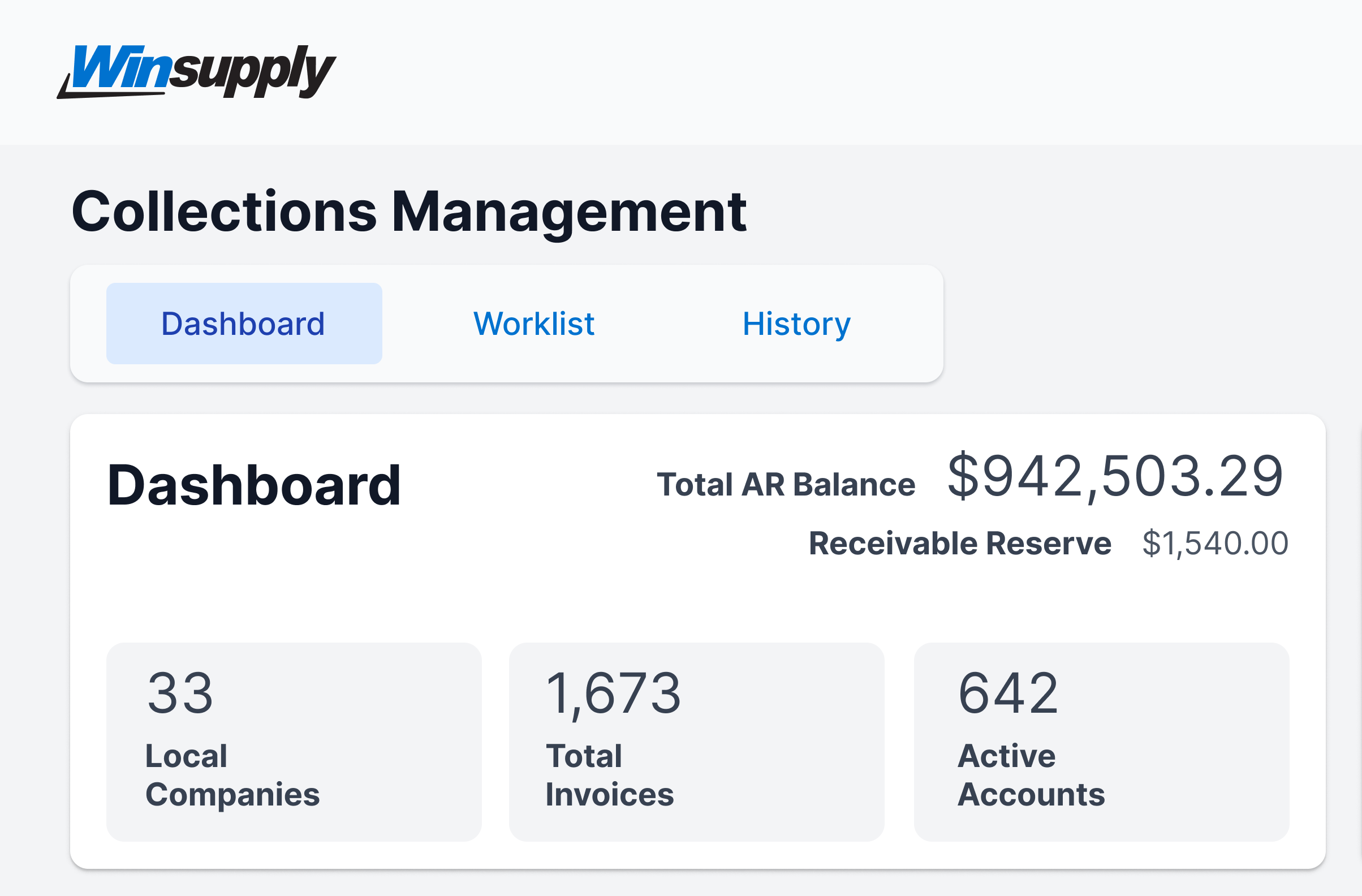
A customized experience also means a more delightful experience. When a user is in their personal space, such as a dashboard, it is encouraged to use a label such as ‘My Dashboard’. This gives a sense of ownership. Make sure to greet the user as well with a “hello” and their name to welcome them into the space.
Do
Don't
Consistent Winsupply terminology
Use the same terminology so a user can make the appropriate cross-connections between applications and to limit confusion. View the Winsupply Glossary if you need guidance as to how terms are defined and how to use them throughout WISE.