
Side Panel Applications
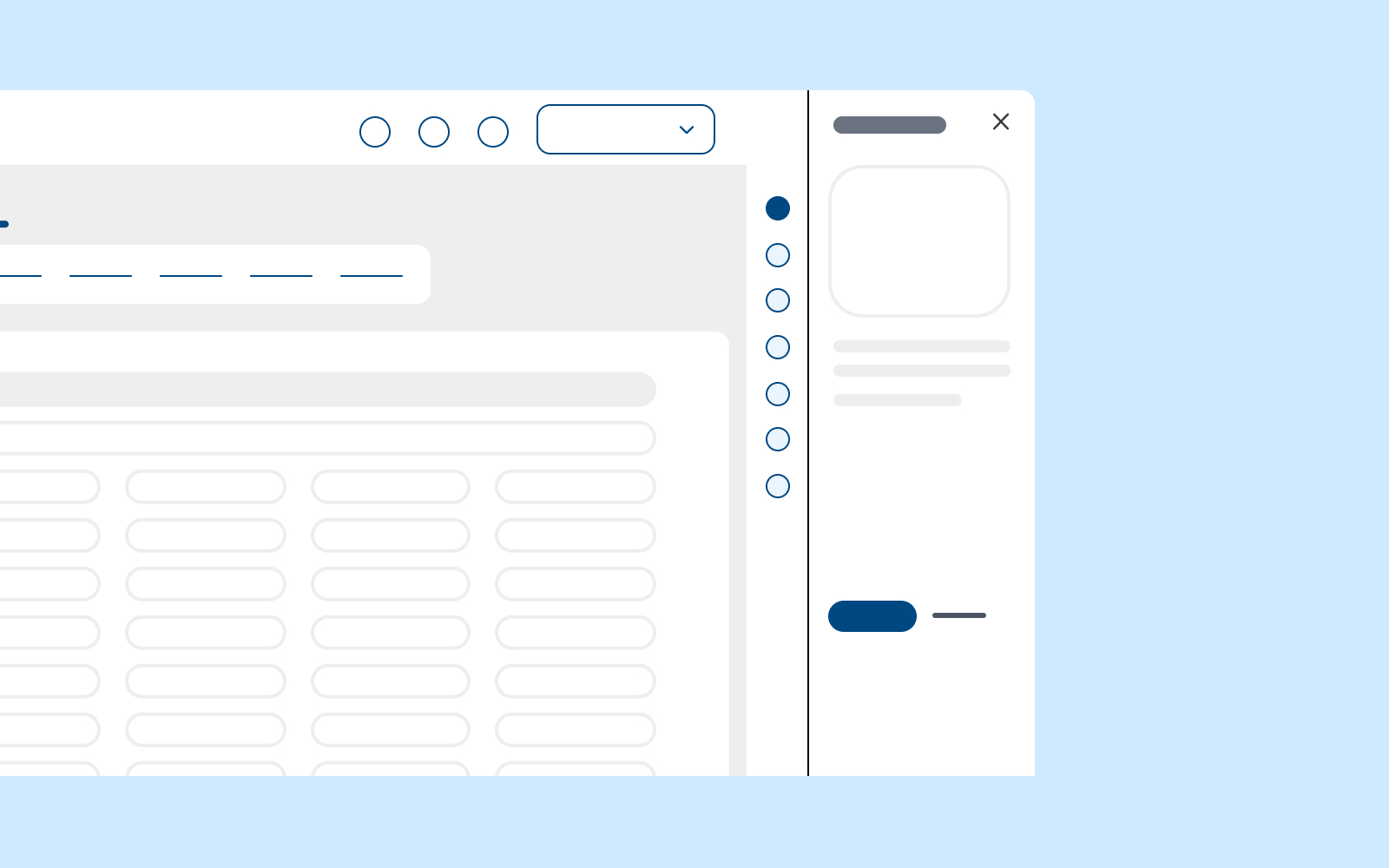
The side panel is on the far right side of the navigation in the WISE navigation wrapper. Each domain can choose which Side Panel applications to utilize to make the experience more dynamic for our users.
THIS PAGE IS UNDER CONSTRUCTION. UPDATE SOON TO BE MADE!!!
The goal of these Side Panels is to provide contextual information associated with other ecosystem applications. The Side Panel applications should contain a consistent size “window” in another application, allowing some essential functions but not everything. The goal is not to provide all functionality but instead to allow a “peek” into other areas of the ecosystem relevant to the user's needs during their flow.

Do

Don't
Primary Examples
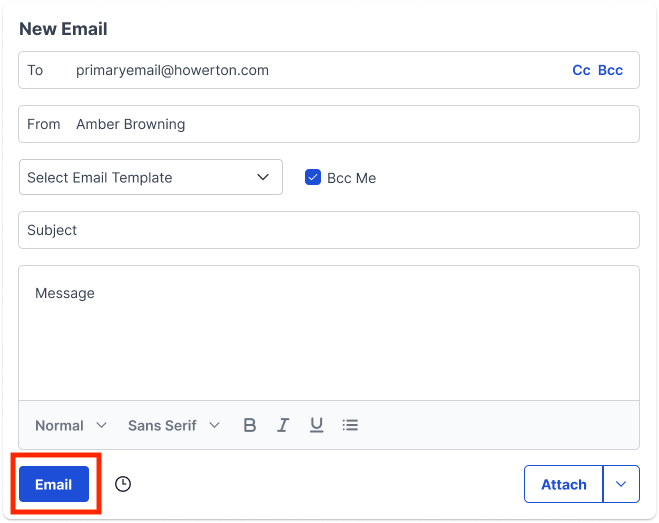
Label elements with action verbs that indicate what happens when the element is selected.
Do
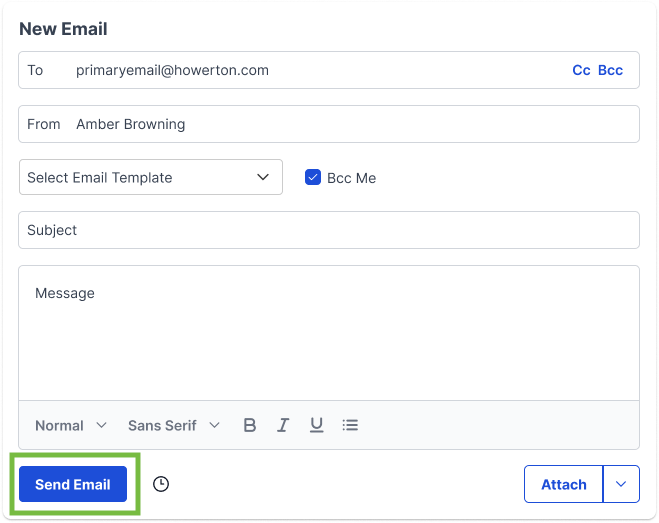
Don't
Hierarchy is a superpower
Hierarchy is a great way to establish a flow for a user by breaking up information into digestible pieces. Place items on the page in order of their level of importance so users don't have to search for them and are easily guided through tasks and/or processes.
Do
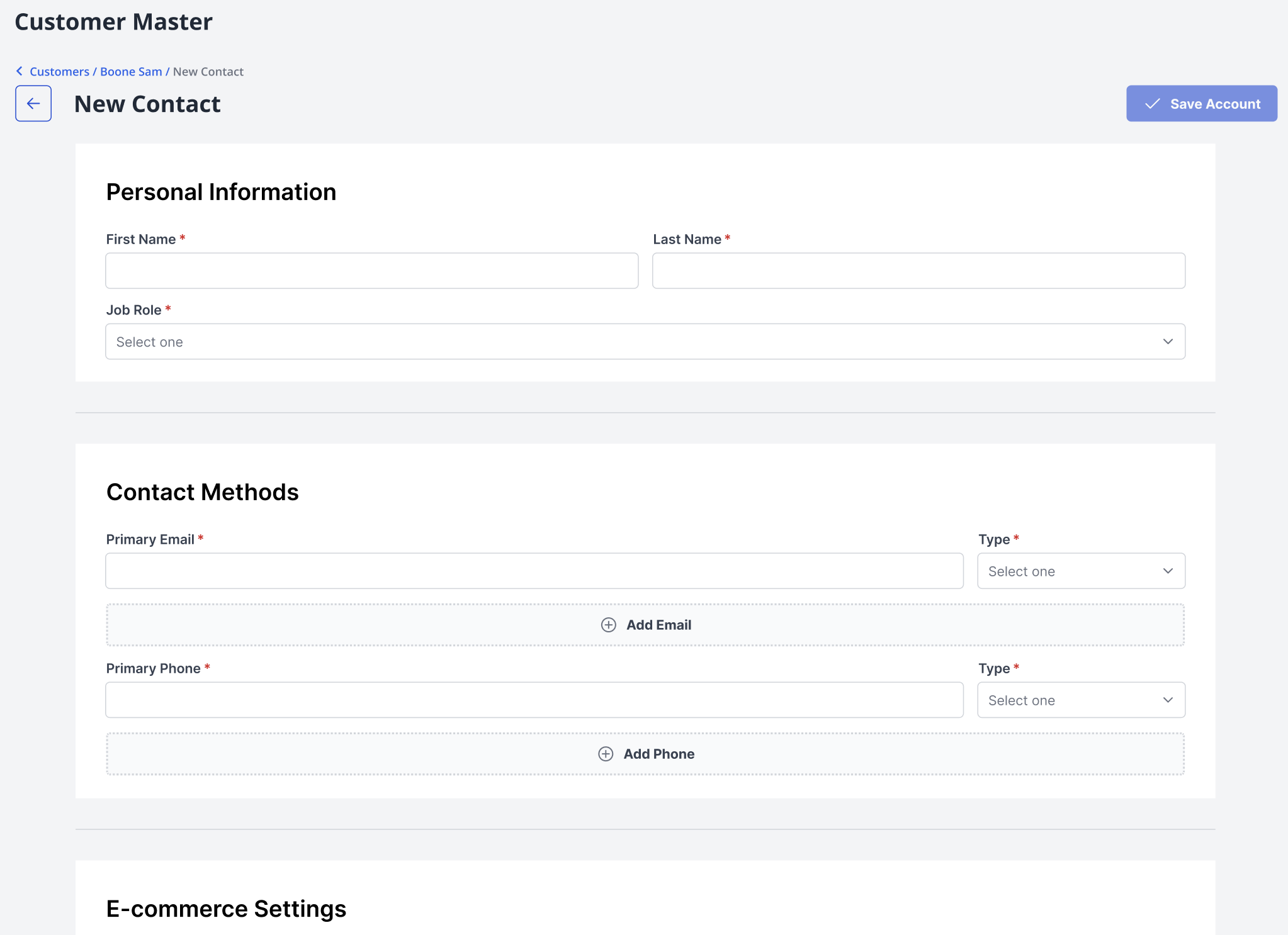
Don't

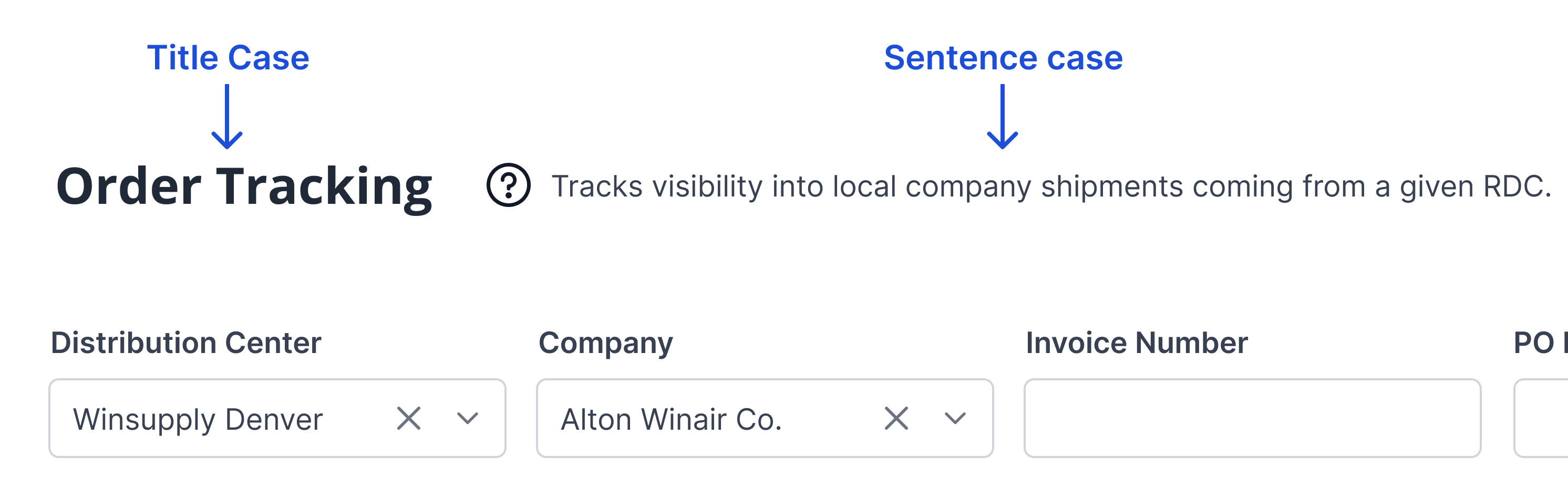
Title Case for Labeling
Sentence case for explaining
Title case cues the user as to what section they are entering and the primary actions that can be taken. Sentence case is for when a label isn’t enough to ask the user to make a decision, notify them of the outcome of an action, or explain a purpose.
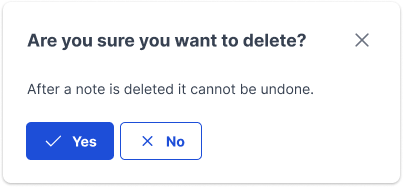
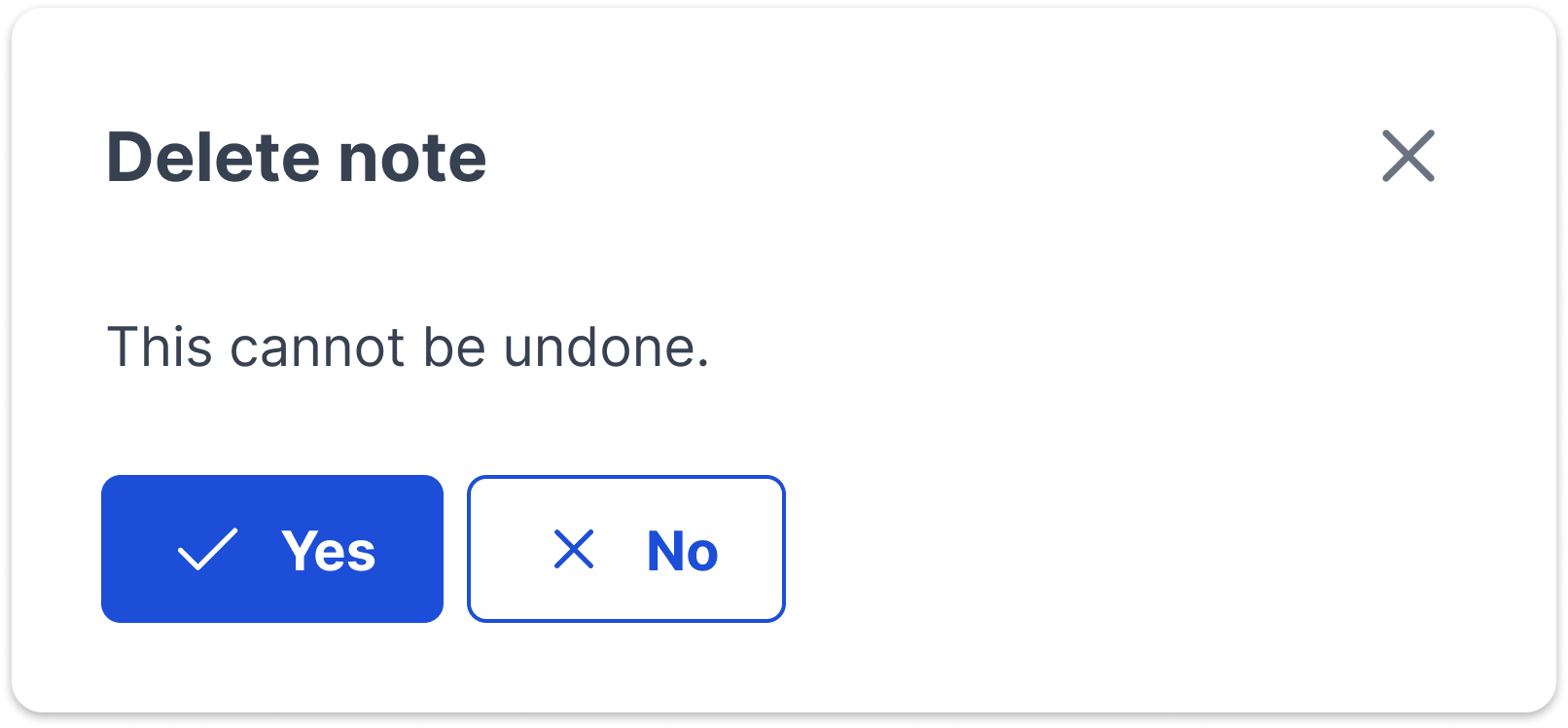
Professional and conversational tones
Winsupply employees interact each day in WISE to support the success of their local companies. Content needs to showcase professionalism and reliability but with a conversational flair. Talking with users creates a more delightful experience.
Do
Don't
Possessive pronoun usage
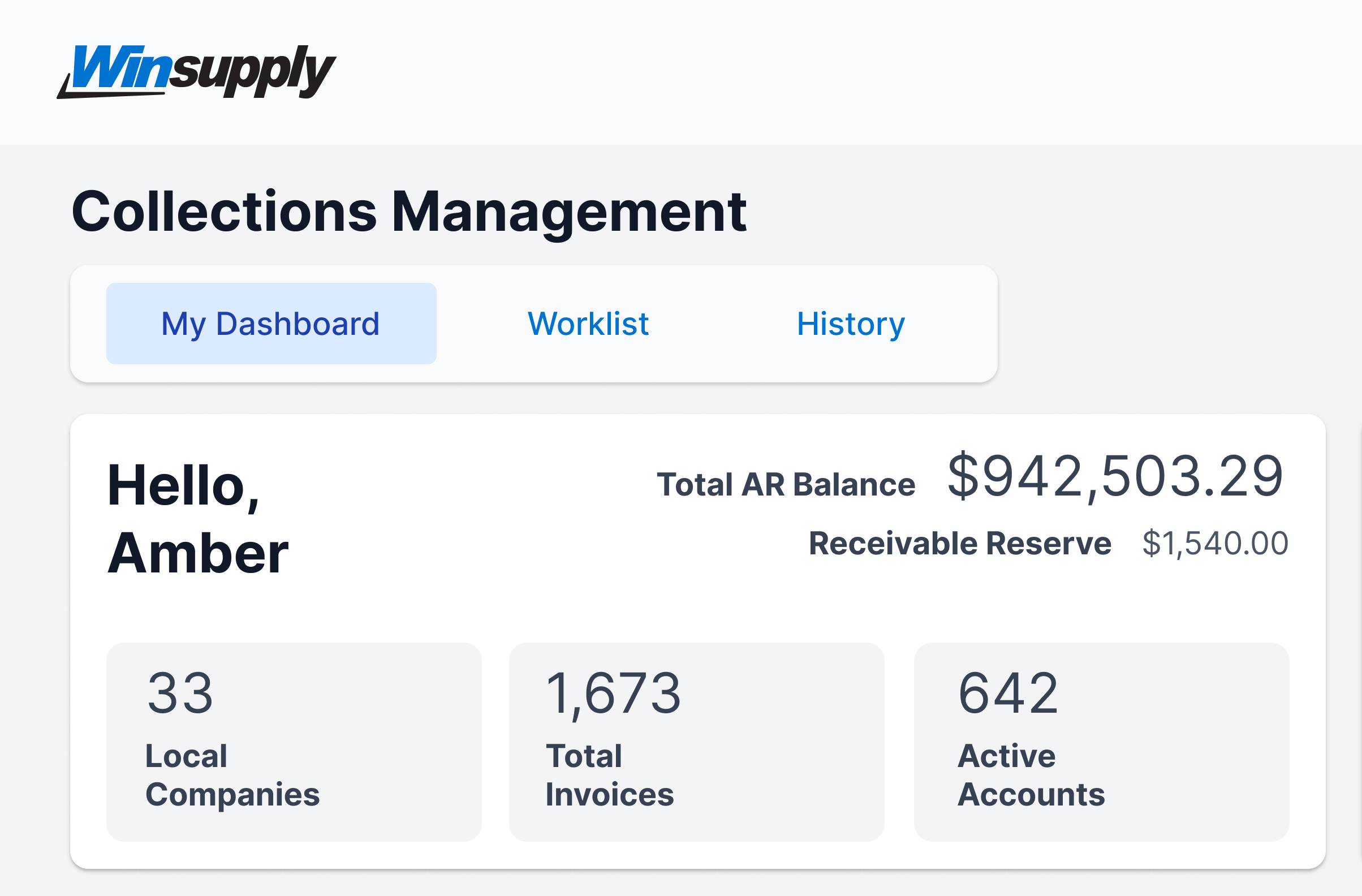
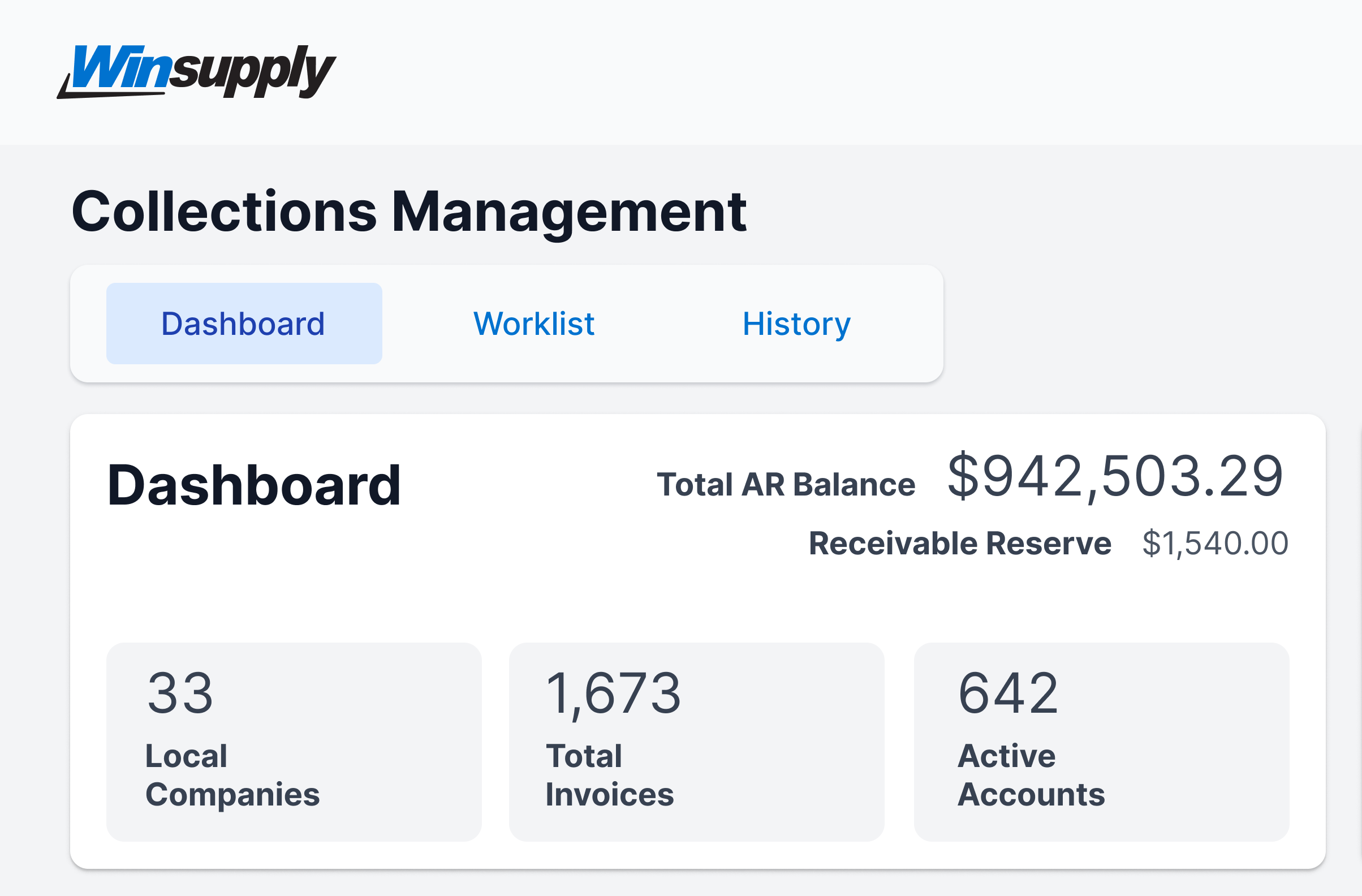
A customized experience also means a more delightful experience. When a user is in their personal space, such as a dashboard, it is encouraged to use a label such as ‘My Dashboard’. This gives a sense of ownership. Make sure to greet the user as well with a “hello” and their name to welcome them into the space.
Do
Don't
Consistent Winsupply terminology
Use the same terminology so a user can make the appropriate cross-connections between applications and to limit confusion. View the Winsupply Glossary if you need guidance as to how terms are defined and how to use them throughout WISE.